What Gimkit can support, what teachers must design themselves, and how to turn shared play into genuine discussion, participation and concept-building.
Quick answer: Collaboration is most likely when the selected activity gives students a shared reason to communicate and the teacher supplies clear academic roles, accessible participation routes and a learning check. Gimkit has different game modes and class-related features, but teamwork is not an automatic result of activating a “team” option. The most important decisions often happen around the game rather than inside it.
Source check: Gimkit’s official Mode Picker guide describes labels, including modes suitable for strategic or collaborative experiences. The Classes guide explains classroom identity and assignment-tracking features. Read each feature as documented, not as a promise that every mode includes simultaneous teamwork controls.
1. Understand collaboration before selecting a platform feature
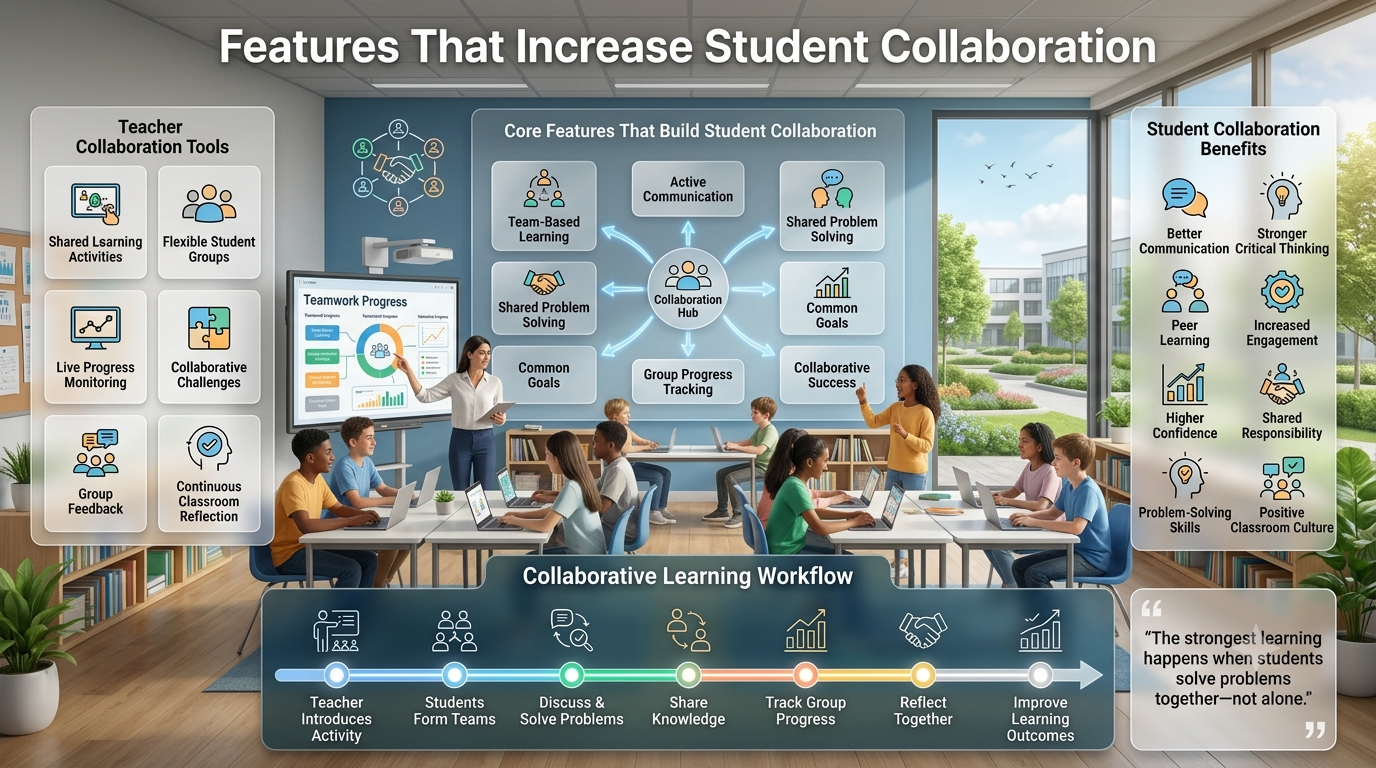
Students sitting in groups do not necessarily collaborate. Meaningful collaboration involves a shared purpose, opportunities to contribute information, respectful responses to others’ ideas and some individual responsibility for understanding the content. A team may finish a task quickly because one student controls all the decisions; that is not strong evidence that every team member learned.
Before choosing the digital activity, decide what collaboration should produce. A science group might compare explanations for a phenomenon, while a language group might justify word choices in context. An activity is valuable when the interaction improves the reasoning, not simply when the screen displays multiple player names.
2. Select a mode using its actual objective and labels
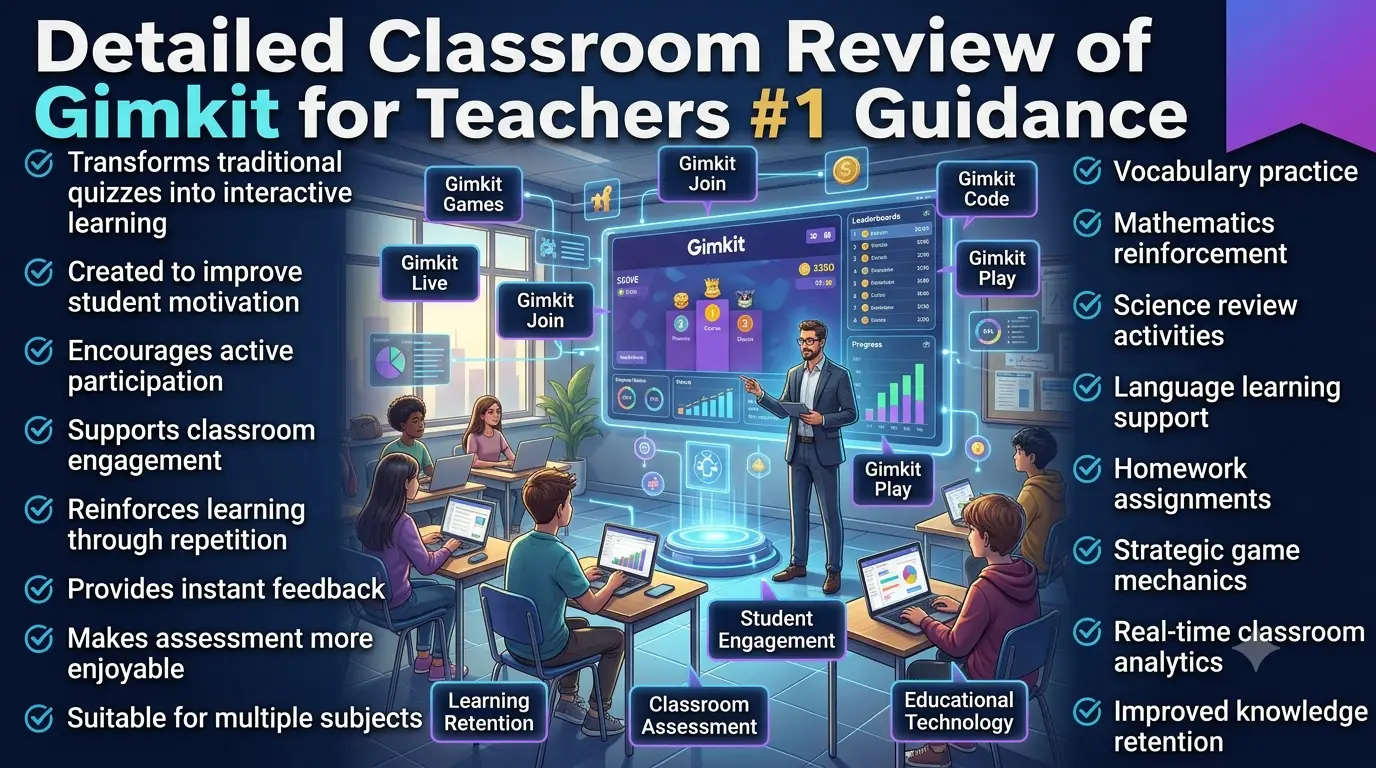
Different Gimkit modes create different types of activity. The official mode picker explains each mode and offers labels that may indicate a calmer experience, strategic decisions or collaboration. Use these descriptions to identify a mode aligned with your lesson objective. Do not assume a specific game mode supports the same number of teammates, player roles or victory conditions as another.
For a cooperative objective, plan how information will be shared. For a competitive mode, decide how teammates can explain choices without personal criticism. For a mode primarily based on individual answering, consider a short group discussion before or after playing rather than forcing cooperation into mechanics that do not support it. Our game-modes reference offers a broader catalog.
3. Use teacher-designed roles that are not dependent on game mechanics
Role assignments can increase academic contribution even when the game has no corresponding interface controls. An evidence checker asks what supports a proposed answer. A misconception spotter identifies why a tempting wrong option is wrong. A discussion facilitator invites a teammate to contribute. A reflection reporter summarizes what the group can explain afterward.
Keep roles short, rotate them and adjust for accessibility. Some learners will contribute more effectively by writing than speaking. A student who is less familiar with the interface may still have important academic knowledge. Distinguish participation in the game from participation in the subject, and do not equate input speed with intellectual leadership.
Evidence checker
Finds a reason for the answer based on the prompt.
Misconception spotter
Explains why a plausible distractor does not fit.
Communication lead
Invites concise, respectful updates.
Reflection reporter
Names what the group learned or still needs to revisit.
4. Design communication around a useful question
Unstructured chatter can make a game noisy without adding meaningful learning. Teach a short discussion pattern: state the proposed answer, give one reason, listen for a counterexample and decide whether to revise. This protocol can happen before a round, at a teacher-led pause or in a postgame discussion. It does not require a built-in voice chat system or a digital messaging feature.
Keep each discussion linked to the intended content. Students might explain why a method works, compare two plausible interpretations or identify the information a teammate has overlooked. Encourage peers to challenge reasoning rather than ridicule a person. Respectful disagreement is part of academic collaboration.
5. Use class connections for organization, not as proof of learning
According to Gimkit’s official Classes documentation, classes support more consistent student identities in live sessions and can help teachers monitor assignment participation and progress. These functions can reduce administrative confusion. However, a roster or class label does not itself create equitable teamwork or deeper learning.
Decide whether a class connection is appropriate under your school’s student-data policy. When accounts are used, explain to learners how they will access the activity and whom to contact for help. Do not claim student registration is mandatory for every live game; the official account FAQ explains that many live participation routes do not require accounts.
6. Build collaborative questions that require explanations
If every answer is obvious, a team may race through without needing to discuss reasoning. Use carefully designed questions that invite interpretation and evidence. A mathematics example might present two methods and ask which is valid under a particular condition. A reading exercise might ask which passage supports an inference. Avoid trick questions with ambiguous correct answers; confusion is not the same as productive challenge.
Give students an independent think period before peer discussion when possible. This helps quieter learners formulate an answer before the most vocal participant takes control. After group discussion, ask individuals to restate the reasoning. Use the question-design guide for the content mechanics; this article addresses the interaction surrounding those questions.
7. Decide when teamwork is not the best choice
Not every learning objective benefits from a team format. If a teacher needs to know what each student can independently recall, individual answers may provide clearer evidence. If groups are in conflict or a student cannot participate accessibly, a different route may be more inclusive. In the early stages of new learning, direct explanation and guided practice may be more effective than complex play.
Use teams when student interaction adds value to the academic task. For a broader comparison between group and independent practice, read Multiplayer vs Solo Learning Experiences.
8. A collaboration activity planner
Open the case closest to your classroom. Each plan is designed as a teaching structure rather than a claim about an undocumented setting.
My students share answers but rarely explain why
Before play: present one plausible wrong answer and ask students to find the flaw. During: pause for evidence, not volume. After: each student writes a one-sentence justification. Measure explanations rather than game points.
One student dominates every group
Before: rotate the evidence-checker and reporter roles. During: invite contributions through writing or rehearsal. After: use an individual check so a fast teammate cannot mask unfinished learning.
Students are competing but need constructive teamwork
Before: establish respectful language norms and a shared academic goal. During: have teams name decisions rather than blame people. After: discuss which evidence changed their strategy.
I need to assess each student’s actual understanding
Before: give an independent baseline question. During: allow peer explanation for practice. After: use a related independent application task. If individual evidence is the only aim, choose independent work instead.
9. Measure collaboration with observations, not leaderboards
A teacher can watch whether students ask clarifying questions, explain their decisions, revise an answer after evidence and include teammates. These behaviors may signal productive interaction but do not automatically prove academic improvement. Pair observation with a brief check of the intended knowledge. Use an exit response or class discussion to see whether each learner can explain the topic.
Observable behavior
What it may show
What to verify next
Students provide reasons for answers
They can articulate a rationale
Is the rationale accurate?
A quiet learner contributes in writing
There is a valid alternative route
Can that learner explain the concept independently?
Groups revise a choice after feedback
They are responsive to evidence
Can they transfer the revision to a new case?
Game score increases
Gameplay performance changed
Did content understanding change too?
10. Prevent avoidable collaboration problems
Technical access, ambiguous questions and uneven group roles can disrupt teamwork. Confirm the intended mode and current joining instructions before class. Prepare a non-game version of a few questions so learners can continue the same objective when access is unreliable. If conflict starts, pause and use established school behavior expectations. Do not ask students to share credentials or bypass account policies.
For detailed solutions to interruptions, the multiplayer challenges guide focuses on diagnosis and recovery. This page does not attempt to duplicate that complete troubleshooting workflow.
11. A classroom example: scientific explanations
Students are reviewing changes of state. Rather than using only definitions, the teacher prepares questions that distinguish melting, evaporation and boiling. Before the game, each student predicts an answer alone. During a teacher-led pause, teammates compare evidence from the question and discuss why an alternative does not apply. Afterward, students explain a new scenario individually.
The collaborative value comes from comparing explanations, not from assuming the game’s format supplies a conversation. If the independent responses reveal continued confusion about particle motion, the next lesson addresses that misconception directly.
12. A classroom example: reading in context
A language teacher uses a Kit about inference. Groups discuss which sentence supports an interpretation, and a rotating reporter summarizes the evidence. Some learners prefer written contributions before speaking, so the teacher allows them to share a note rather than requiring immediate public answers. The final check asks each student to explain a new inference using a different passage.
This example illustrates a teacher-designed discussion strategy around a game, not a special built-in assessment feature. The distinction matters because teachers can adapt the routine even when modes or product options change.
13. Collaboration quality checklist
14. Frequently asked questions
Does Gimkit automatically make students collaborate?
No. Mode selection can create opportunities, but meaningful academic collaboration still requires learning goals, communication expectations and inclusive teacher design.
Are classes the same thing as teams?
No. Classes organize student identities and certain assignment workflows; they should not be confused with game-specific team mechanics.
What if a student does not want to speak publicly?
Provide a suitable alternative such as written evidence or a partner rehearsal, using the student’s established accommodations.
How can I know whether teamwork improved learning?
Check independent understanding with an explanation or transfer prompt rather than relying on a team score alone.
Conclusion
Gimkit can support collaborative classroom experiences, but the strongest opportunities come from choosing an appropriate mode and designing reasoning tasks, participation options and meaningful follow-up. Treat platform features as tools that enable a lesson, not as guarantees that social interaction will produce learning.
Independent educational guidance, not affiliated with Gimkit. Verify current mode and class features using the official Help Center.