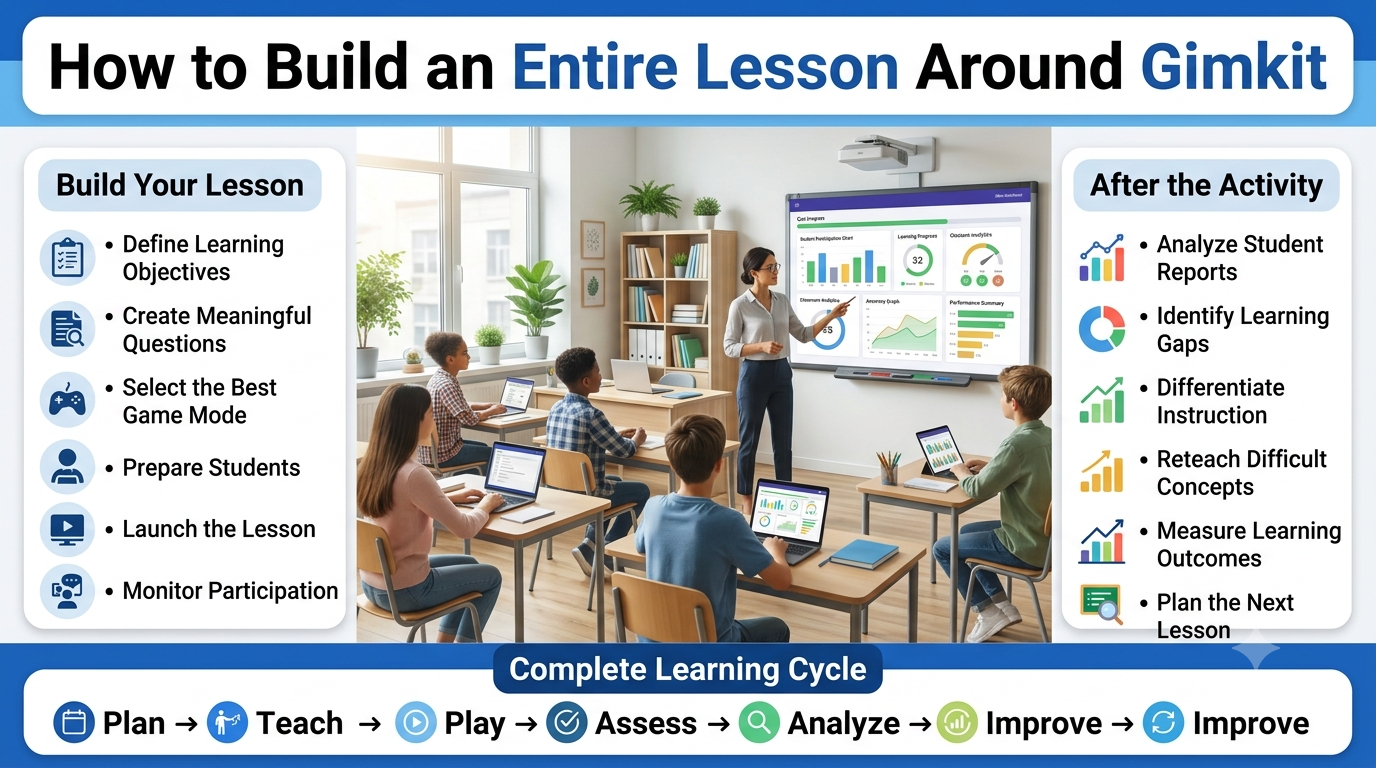
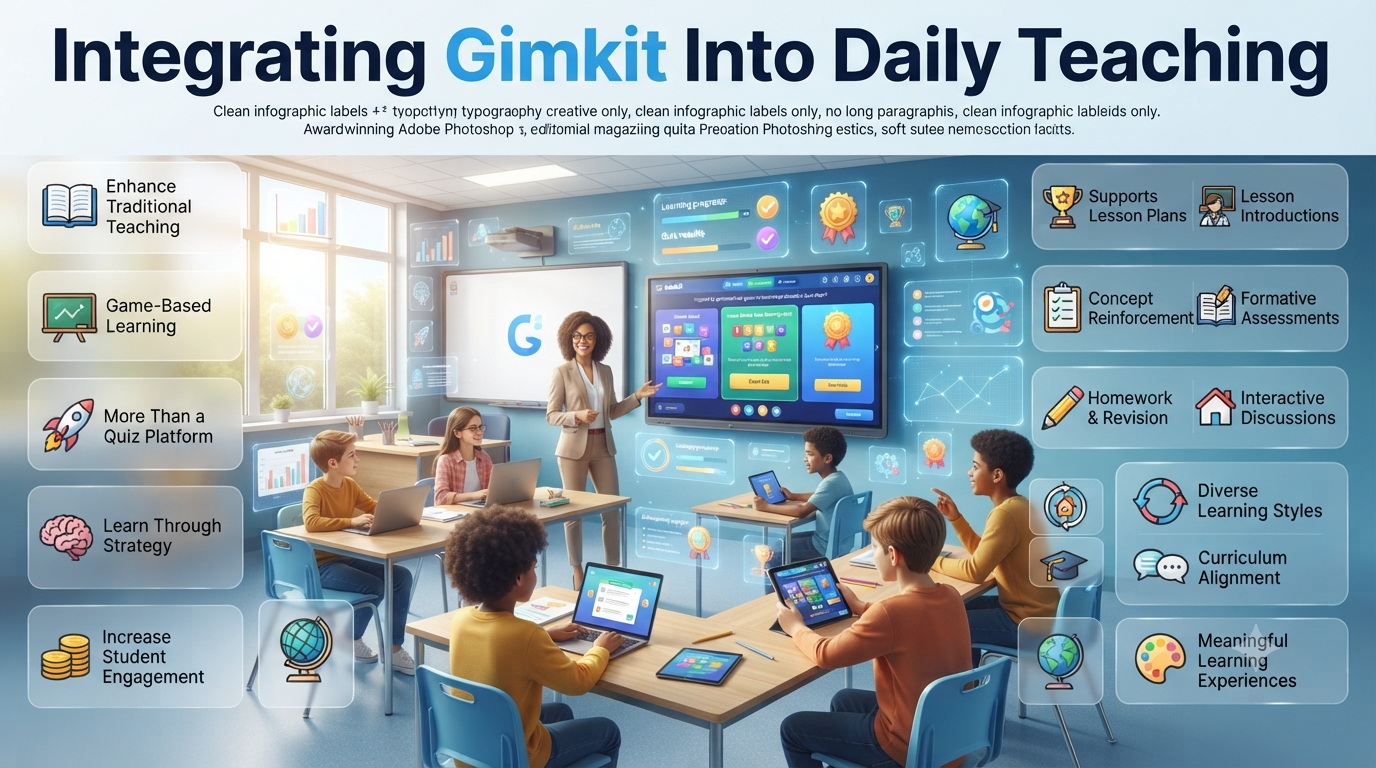
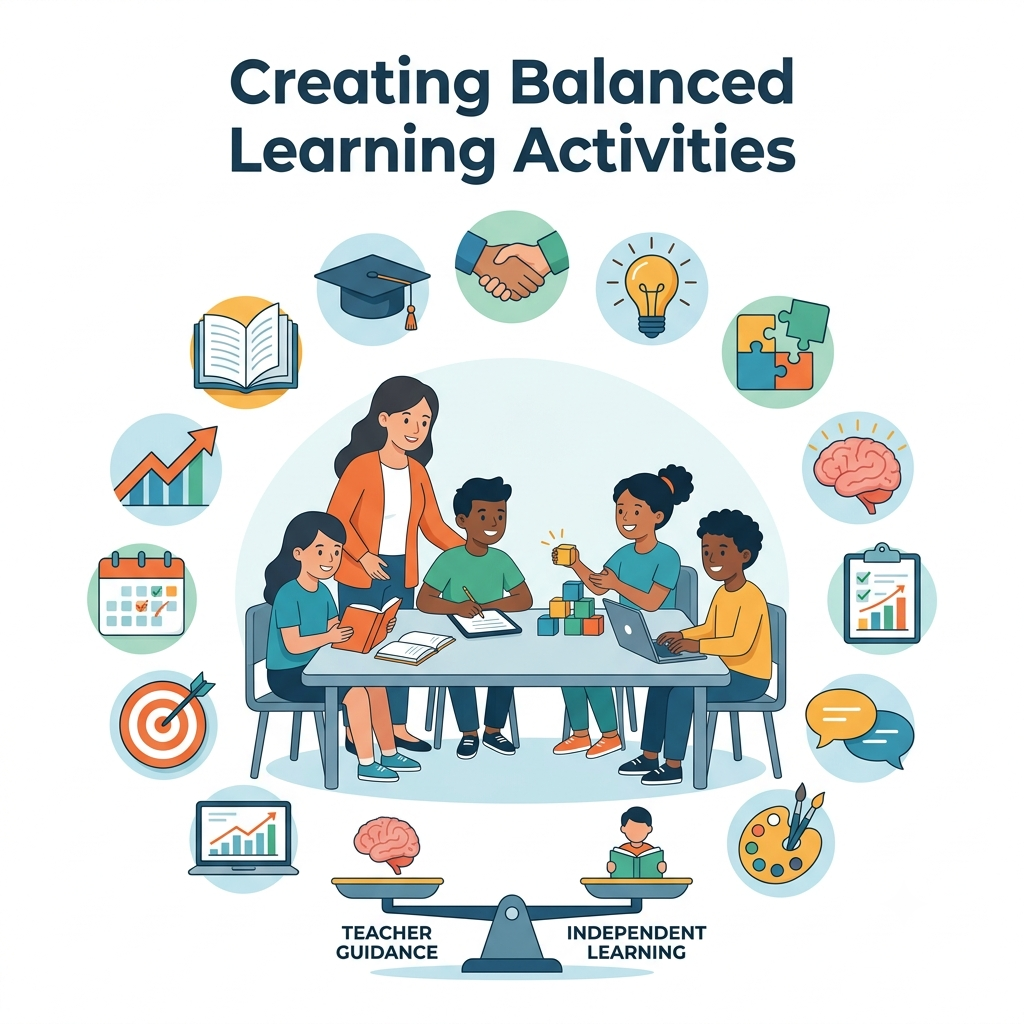
How to Build an Entire Lesson Around Gimkit-Interactive learning has evolved far beyond occasional classroom games. Many teachers now use game-based learning platforms as the foundation for complete instructional experiences rather than as simple review activities. Among these platforms, Gimkit stands out because it combines real-time assessment, student engagement, and performance analytics in a way that supports every stage of a lesson—from introducing a concept to measuring understanding at the end of class.
Building an entire lesson around Gimkit requires much more than creating a quiz and pressing the Gimkit Host button. Effective lesson planning involves aligning learning objectives, designing meaningful questions, selecting the appropriate game mode, managing classroom participation, analyzing student performance, and using the collected data to guide future instruction. When these elements work together, Gimkit becomes an instructional framework rather than just an educational game.
Teachers across elementary schools, middle schools, high schools, tutoring programs, and even higher education increasingly compare Gimkit, Kahoot, Quizizz, Blooket, Nearpod, Google Classroom, Microsoft Teams for Education, and traditional formative assessment methods when deciding how to improve student participation. Each platform offers unique strengths, but Gimkit’s economy-based gameplay, homework mode, customization options, and detailed reporting make it especially suitable for lessons that extend beyond simple review sessions.
This guide explains how experienced educators design complete lessons using Gimkit before, during, and after classroom instruction. Whether you teach mathematics, science, language arts, history, social studies, world languages, or vocational subjects, you’ll learn practical workflows, instructional strategies, classroom management techniques, assessment methods, and professional best practices that transform Gimkit into a powerful teaching tool instead of just another classroom activity.
Rather than focusing only on gameplay, this article examines lesson planning from an educational perspective, helping teachers balance curriculum goals, student engagement, differentiated instruction, and measurable learning outcomes.
Why Build an Entire Lesson Around Gimkit?
Many teachers initially introduce Gimkit as a quick review game before a test. While this approach can increase participation, it uses only a small portion of the platform’s instructional potential. A lesson built around Gimkit integrates the platform into every phase of teaching, allowing students to engage with new concepts, practice skills, receive immediate feedback, and demonstrate understanding within a single learning cycle.
Designing a lesson this way shifts the teacher’s role from simply delivering information to facilitating active learning. Students become participants who repeatedly apply concepts instead of passively listening to lengthy explanations. The continuous interaction helps teachers identify misconceptions while instruction is still taking place, making it easier to adjust teaching before misunderstandings become permanent.
From an instructional design perspective, Gimkit supports formative assessment, retrieval practice, spaced repetition, and immediate feedback—learning strategies widely recognized for improving long-term knowledge retention. Instead of separating instruction, practice, and assessment into unrelated classroom activities, teachers can combine them into one cohesive lesson structure.
Professional Insight:
Experienced educators rarely rely on Gimkit solely for entertainment. They use it as an instructional framework that continuously measures learning, encourages participation, and informs future teaching decisions.
Understanding Gimkit as a Complete Teaching Platform
Although many people describe Gimkit as a quiz game, its educational value extends well beyond answering multiple-choice questions. The platform allows teachers to design customized learning experiences that encourage repeated retrieval, strategic thinking, and ongoing assessment while maintaining high student motivation.
Unlike traditional review tools that reward only speed, Gimkit introduces an in-game economy where students earn virtual currency for correct answers and decide how to invest those earnings. This additional layer of decision-making keeps learners engaged for longer sessions while encouraging repeated interaction with academic content.
For teachers, the platform offers features that support instruction before, during, and after class. These include customizable question sets, multiple game modes, assignment options, classroom reports, progress tracking, and flexible hosting settings that can be adapted for different learning environments.
Core Educational Components
Classroom Need
How Gimkit Supports It
Lesson introduction
Diagnostic questions and warm-up activities
Knowledge checks
Instant formative assessment
Guided practice
Teacher-led interactive gameplay
Independent practice
Homework assignments and self-paced learning
Student engagement
Game mechanics and reward systems
Assessment
Performance reports and accuracy tracking
Lesson review
Repeat practice with immediate feedback
Future planning
Data-driven instructional decisions
This combination allows teachers to design lessons where instruction and assessment happen simultaneously instead of existing as separate classroom events.
When Gimkit Works Best Within Lesson Planning
Not every lesson requires game-based instruction, and experienced educators understand when interactive learning adds genuine educational value. Gimkit is most effective when students benefit from repeated practice, concept reinforcement, vocabulary development, factual recall, or procedural fluency.
Subjects involving terminology, formulas, historical events, language acquisition, scientific concepts, and mathematical operations often integrate naturally with Gimkit because students improve through repeated retrieval. The platform also supports revision lessons before exams, unit reviews, formative assessments, and collaborative classroom competitions.
However, lessons centered on extended writing, laboratory investigations, creative production, or complex research may require Gimkit to serve only as one component rather than the primary instructional strategy. Effective lesson planning always begins with learning objectives rather than technology.
Gimkit Is Especially Effective For
Vocabulary acquisition
Mathematics fluency practice
Science terminology review
Historical facts and timelines
Geography knowledge
Language learning
Exam preparation
Formative assessment
Retrieval practice
Exit-ticket style reviews
The strongest lesson plans use Gimkit where active recall improves learning while combining it with discussion, explanation, collaboration, and reflection.
Educational Benefits of Building Lessons Around Gimkit
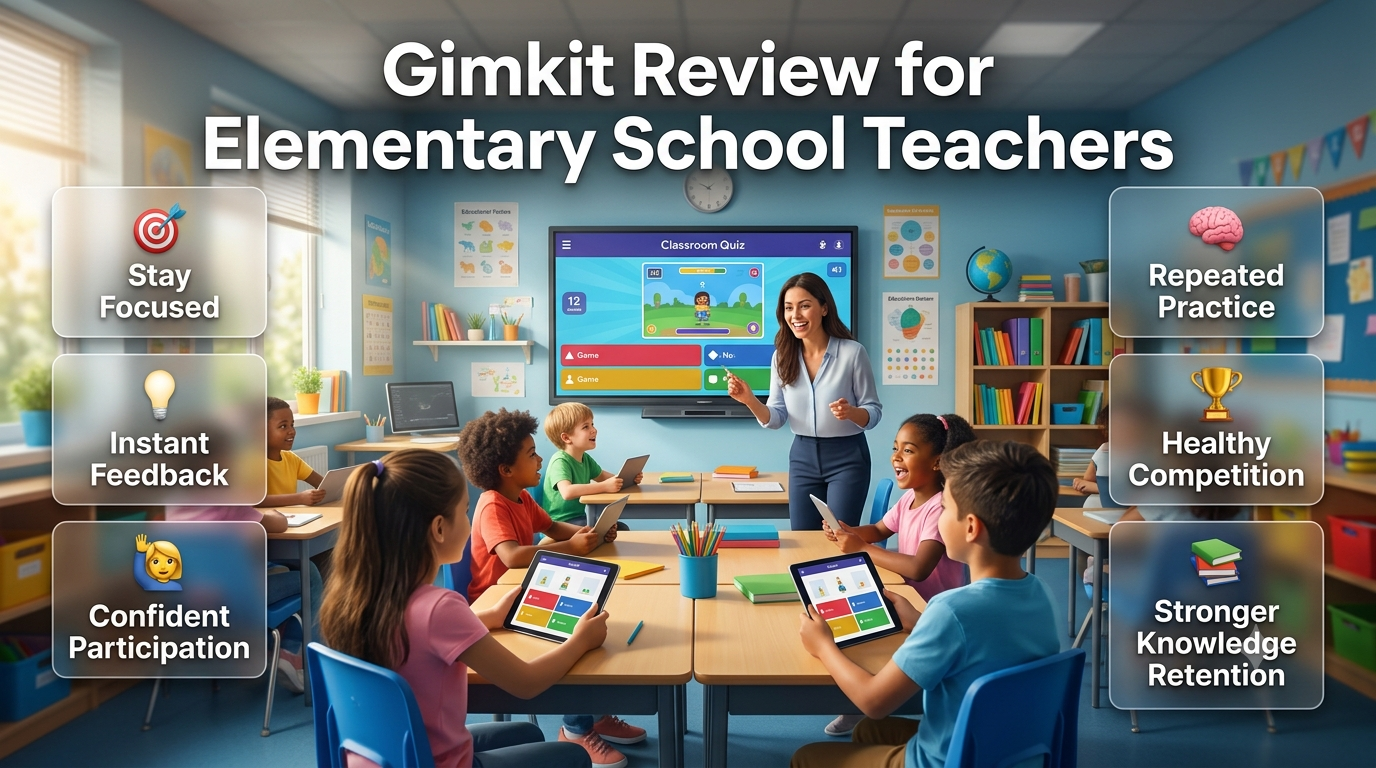
When thoughtfully integrated into instruction, Gimkit supports several evidence-based learning principles that help students retain information more effectively than passive review alone. The platform encourages frequent retrieval, immediate correction of errors, repeated exposure to important concepts, and sustained attention through interactive gameplay.
Students also receive continuous opportunities to monitor their own progress. Rather than waiting until a unit test to discover misunderstandings, they receive instant feedback after every question, allowing misconceptions to be corrected during the learning process.
For teachers, the platform generates classroom data that can influence instructional decisions. Instead of relying only on observation, educators can identify concepts that require reteaching, recognize students who need additional support, and determine whether learning objectives have been achieved before moving to the next topic.
Best Practice: Treat Gimkit as one component of an instructional cycle that includes explanation, guided learning, discussion, practice, assessment, and reflection. The platform is most effective when it complements strong teaching rather than replacing it.
Traditional Lessons vs Lessons Built Around Gimkit
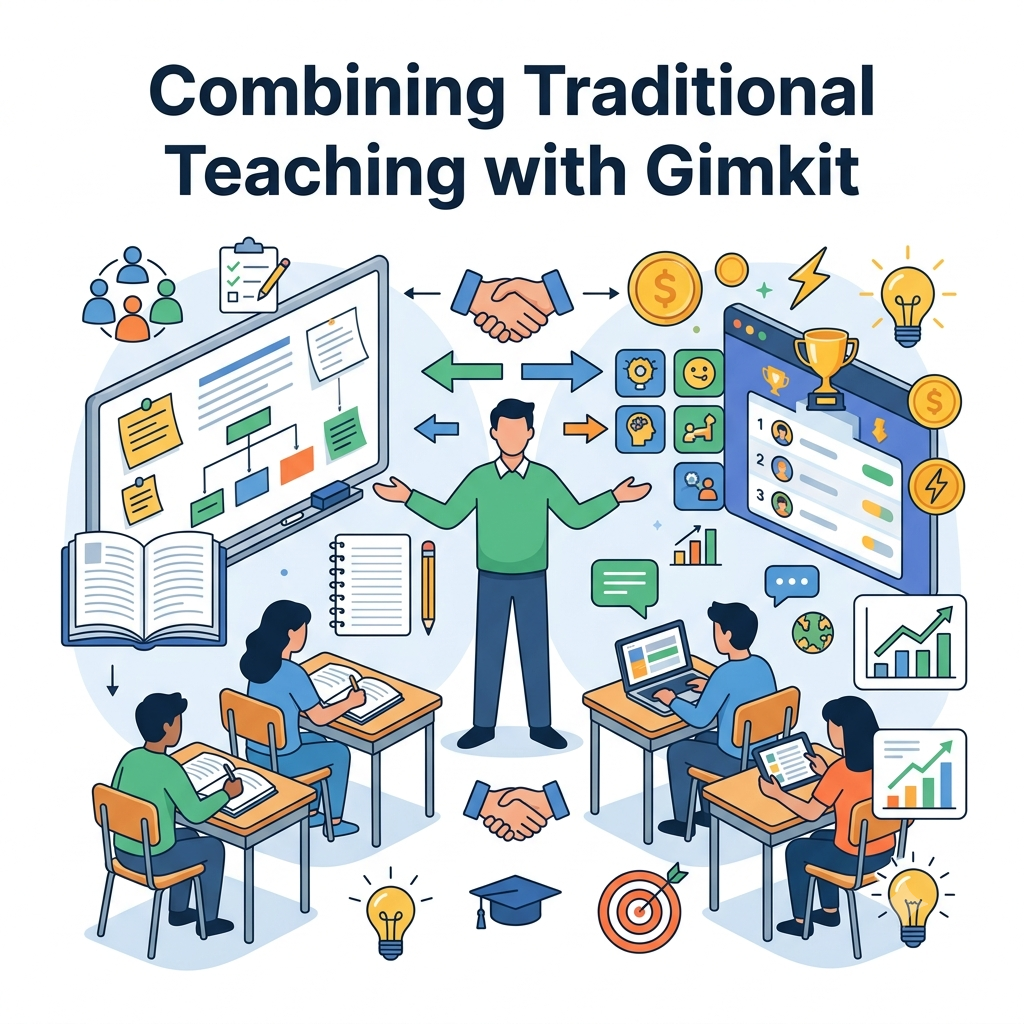
The difference between a traditional lesson and a Gimkit-centered lesson lies in how students interact with new information. Conventional instruction often separates teaching from assessment, whereas a Gimkit-based approach blends participation, feedback, and evaluation throughout the learning experience.
Traditional Lesson
Gimkit-Centered Lesson
Teacher explains first
Students interact throughout the lesson
Questions asked occasionally
Continuous formative assessment
Limited participation
Whole-class engagement
Feedback often delayed
Immediate answer feedback
Assessment at the end
Assessment during learning
Teacher observes manually
Teacher receives performance reports
Review happens later
Review occurs continuously
Passive listening dominates
Active participation dominates
This comparison does not suggest replacing traditional teaching entirely. Instead, it highlights how Gimkit can strengthen instruction by making learning more interactive, measurable, and responsive to student needs.
Professional Perspective on Lesson Planning
Successful Gimkit lessons begin long before students enter the classroom. Experienced teachers typically spend more time defining learning outcomes than creating quiz questions because clear objectives determine every later decision, including question design, pacing, assessment methods, classroom discussions, and follow-up activities.
Professional lesson planning also considers classroom diversity. Students learn at different speeds, possess varying levels of background knowledge, and respond differently to competition. Effective Gimkit lessons account for these differences through flexible pacing, collaborative opportunities, differentiated questioning, and balanced instructional strategies.
A well-planned lesson therefore focuses on learning first and technology second. Gimkit becomes the delivery method—not the educational objective itself. When planning starts with curriculum goals and student needs, the platform serves as a powerful instructional partner rather than a distraction.
Planning Learning Objectives Before Opening Gimkit
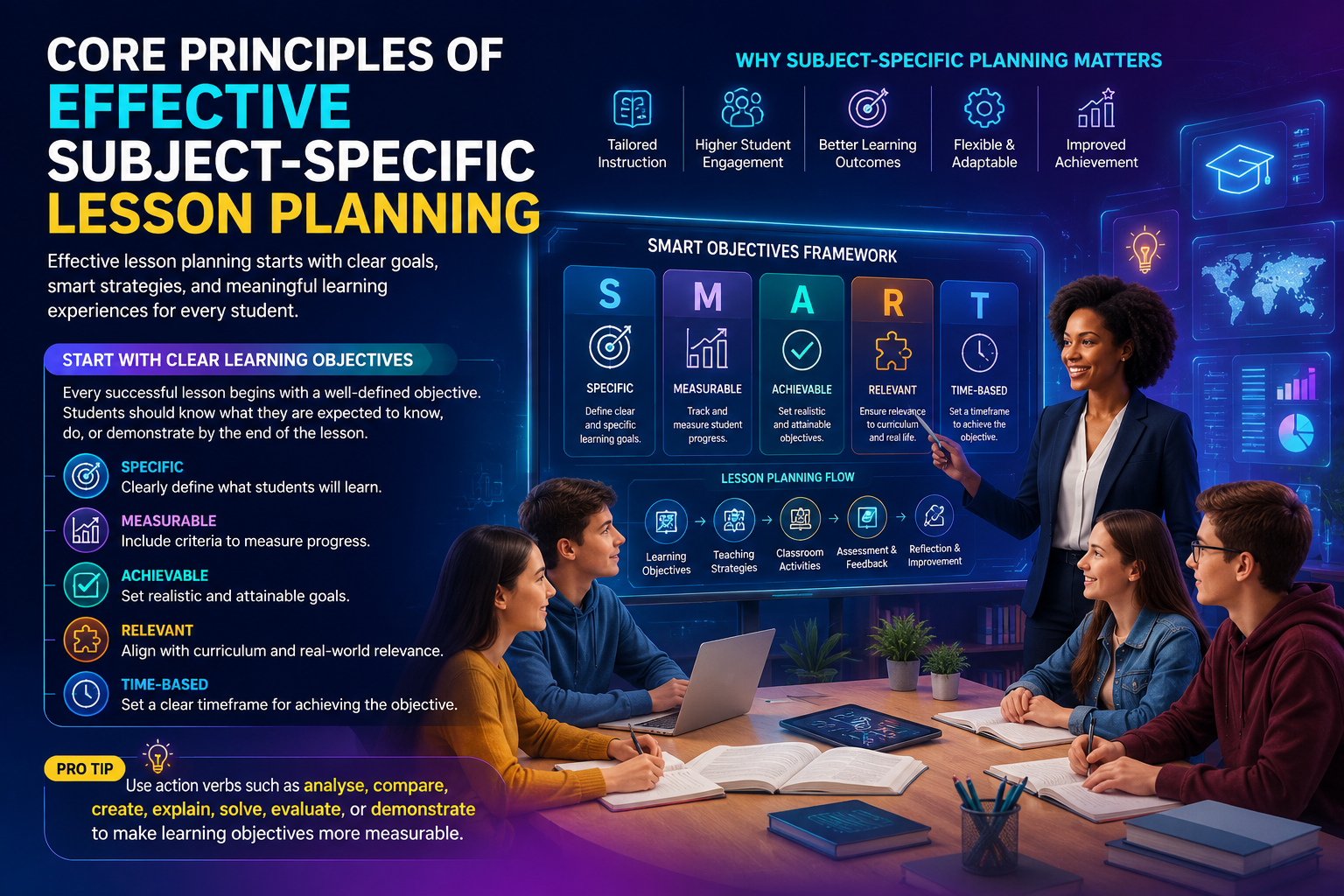
The most successful Gimkit lessons begin with clear learning objectives—not with creating questions. Experienced teachers first decide what students should know, understand, or be able to do by the end of the lesson. Only after defining these outcomes do they build activities inside Gimkit that support those goals.
Starting with objectives prevents a common mistake: designing an engaging game that lacks meaningful educational value. A fun activity may increase participation, but if every question is disconnected from curriculum standards or lesson outcomes, students may enjoy the experience without achieving measurable learning.
Professional educators often use backward design when planning. Instead of asking, “What questions should I add?” they ask, “What evidence will prove students have mastered today’s objective?” The answers to that question determine every later decision, including question types, game modes, timing, and assessment strategies.
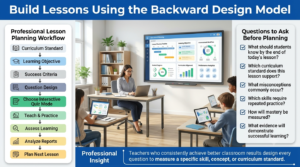
Build Lessons Using the Backward Design Model
The Backward Design Model helps teachers connect curriculum standards, learning objectives, classroom activities, and assessments into one structured instructional workflow.
Backward design is one of the most reliable instructional planning methods because it keeps every classroom activity connected to the intended learning outcome. Rather than planning games first, teachers identify the destination before selecting the instructional route.
Professional Lesson Planning Workflow
Curriculum Standard
        │
        ▼
Learning Objective
        │
        ▼
Success Criteria
        │
        ▼
Question Design
        │
        ▼
Choose Gimkit Mode
        │
        ▼
Teach & Practice
        │
        ▼
Assess Learning
        │
        ▼
Analyze Reports
        │
        ▼
Plan Next Lesson
This workflow ensures that every question serves a teaching purpose instead of simply increasing the number of quiz items.
Professional Insight: Teachers who consistently achieve better classroom results rarely create random quizzes. They design every question to measure a specific skill, concept, or standard.
Align Gimkit with Curriculum Standards
Every lesson should connect directly to your curriculum requirements. Whether you follow national standards, state frameworks, district pacing guides, or school-developed outcomes, Gimkit works best when it reinforces existing instructional goals instead of replacing them.
For example, a science lesson may focus on identifying cell organelles, while a language arts lesson targets identifying figurative language. Although both subjects use the same platform, the learning objectives—and therefore the question design—are entirely different.
Curriculum alignment also makes student reports more meaningful. Instead of seeing only correct and incorrect answers, teachers can evaluate mastery of individual standards and identify which concepts require additional instruction.
Questions to Ask Before Planning
What should students know by the end of today’s lesson?
Which curriculum standard does this lesson support?
What misconceptions commonly occur?
Which skills require repeated practice?
How will mastery be measured?
What evidence will demonstrate successful learning?
Answering these questions before opening Gimkit saves significant planning time later.
Write Clear and Measurable Learning Objectives
A learning objective should describe observable student performance rather than teacher activity. Instead of stating what will be taught, define what students will successfully accomplish.
Compare these examples:
Weak Objective
Strong Objective
Learn fractions
Solve equivalent fraction problems with at least 80% accuracy
Study ecosystems
Explain interactions between producers, consumers, and decomposers
Practice vocabulary
Correctly identify and apply 20 new vocabulary words
Review history
Analyze causes of the Industrial Revolution using evidence
Clear objectives improve both question quality and assessment accuracy because every quiz item measures a specific outcome.
Choose the Right Type of Lesson
Not every Gimkit lesson serves the same instructional purpose. Identifying the lesson type first helps determine pacing, question difficulty, and game settings.
Lesson Type
Primary Goal
Introduction Lesson
Activate prior knowledge before new instruction
Practice Lesson
Reinforce recently taught concepts
Review Lesson
Prepare students for quizzes or exams
Assessment Lesson
Measure mastery of learning objectives
Homework Lesson
Extend practice beyond class
Intervention Lesson
Support struggling learners
Enrichment Lesson
Challenge advanced students
Experienced teachers often rotate among these lesson types throughout a unit instead of relying on a single instructional format.
Decide What Students Should Learn During Gameplay
Every Gimkit session should have a clearly defined instructional purpose. Students should understand that the activity is more than a competition; it is an opportunity to strengthen specific knowledge and skills.
For example:
Subject
Learning Focus
Mathematics
Solve equations accurately
Science
Identify scientific processes
History
Connect historical events chronologically
Geography
Recognize physical and political features
English
Improve grammar and vocabulary
Foreign Languages
Build vocabulary and translation skills
When students know the lesson objective before gameplay begins, they approach questions with greater focus rather than simply trying to earn virtual currency.
Design High-Quality Questions That Promote Learning
The effectiveness of a Gimkit lesson depends largely on the quality of its questions. Poorly written questions encourage guessing, while carefully designed questions require students to retrieve information, apply concepts, and think critically.
Strong questions should be:
Accurate
Clearly worded
Age appropriate
Free from unnecessary complexity
Directly connected to learning objectives
Focused on one concept at a time
Questions should also avoid unnecessary trick wording. Assessment should measure understanding—not reading confusion.
Balance Different Cognitive Levels
Not every question should measure simple memorization. High-quality lesson plans gradually increase difficulty to encourage deeper thinking as students gain confidence.
Example Question Progression
Cognitive Level
Example Activity
Remember
Recall vocabulary
Understand
Explain a concept
Apply
Solve a problem
Analyze
Compare two ideas
Evaluate
Choose the best solution
Create
Predict or design an outcome
Although Gimkit is commonly associated with recall practice, carefully written questions can support higher-order thinking when combined with classroom discussion.
Create Questions That Reduce Random Guessing
Fast guessing limits learning because students focus on speed rather than understanding. Professional teachers design questions that require careful reading and thoughtful responses.
Effective techniques include:
Plausible answer choices
Scenario-based questions
Image-supported questions where appropriate
Vocabulary used in classroom instruction
Questions requiring concept application
Avoid making the correct answer noticeably longer or using predictable answer patterns that students quickly recognize.
Best Practice: Review every question from a student’s perspective. If learners can answer correctly without understanding the concept, revise the question.
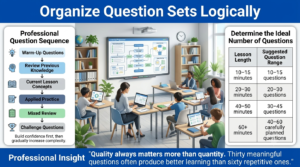
Organize Question Sets Logically
A logical question sequence helps students build confidence, reinforce learning, and gradually progress toward higher-order thinking while maintaining engagement throughout the lesson.
Question order influences how students experience a lesson. Random sequencing may work for review sessions, but structured progression often produces better learning outcomes during instructional lessons.
A professional sequence typically looks like this:
This gradual increase in complexity builds student confidence while continuously reinforcing learning.
Determine the Ideal Number of Questions
Teachers frequently ask how many questions a Gimkit lesson should include. The answer depends on lesson length, student age, and instructional purpose rather than a fixed number.
Lesson Length
Suggested Question Range
10–15 minutes
10–15 questions
20–30 minutes
20–30 questions
40–50 minutes
30–45 questions
60+ minutes
40–60 carefully planned questions
Quality always matters more than quantity. Thirty meaningful questions often produce better learning than sixty repetitive ones.
Plan for Different Student Ability Levels
Every classroom contains students with varying backgrounds, learning speeds, and confidence levels. Designing one question set for everyone may unintentionally leave some learners frustrated while others finish with little challenge.
Differentiated planning can include:
Easier review questions at the beginning
Moderate questions during guided practice
Challenging application questions later
Extension tasks for advanced learners
Teacher support for students needing intervention
Differentiation ensures the game remains educational for every learner rather than benefiting only the fastest participants.
Professional Planning Checklist Before Creating Your Game
Before clicking Create Kit, experienced teachers typically confirm the following:
✅ Learning objective is clearly defined
✅ Curriculum standards are identified
✅ Assessment criteria are established
✅ Questions align with lesson goals
✅ Difficulty progresses logically
✅ Students of different abilities are considered
✅ Time allocation matches the class period
✅ Reports will provide actionable teaching data
Completing this checklist helps transform Gimkit from a simple classroom game into a structured instructional tool that supports meaningful learning outcomes.
Choosing the Best Gimkit Game Mode for Your Lesson
Selecting the right game mode is just as important as writing quality questions. Each Gimkit mode creates a different classroom experience, influencing collaboration, competition, pacing, and student interaction. Instead of choosing the newest or most exciting option, experienced teachers match the game mode to the lesson objective.
For example, a collaborative science lesson may benefit from a team-based mode that encourages discussion, while an individual vocabulary review might work better with a self-paced format. The instructional goal—not entertainment—should always determine the choice.
A thoughtful selection also helps maintain classroom focus. When students understand that the chosen mode supports a specific learning outcome, they are more likely to balance gameplay with academic thinking.
Match Game Modes to Instructional Goals
Different classroom objectives require different learning environments. The table below illustrates how teachers can align common instructional goals with appropriate Gimkit experiences.
Instructional Goal
Recommended Approach
Activate prior knowledge
Short whole-class warm-up game
Practice new concepts
Teacher-guided live session
Reinforce vocabulary
Individual practice mode
Encourage collaboration
Team-based gameplay
Review before an assessment
Mixed-question review session
Independent learning
Homework assignment
Exit ticket
Brief formative assessment game
The best game mode is not necessarily the most competitive one. It is the one that supports student learning with the fewest distractions.
Build the Lesson in Three Instructional Phases
An effective Gimkit lesson follows a structured learning sequence rather than jumping directly into gameplay. Experienced educators organize instruction into three connected phases: before the game, during the game, and after the game.
This workflow ensures that the game reinforces instruction instead of replacing it.
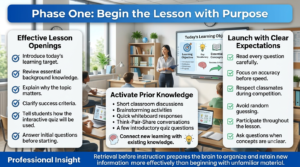
Phase One: Begin the Lesson with Purpose
Beginning every lesson with clear objectives, prior knowledge activation, and classroom expectations helps students understand the purpose of learning before participating in interactive activities.
Students should understand exactly what they are expected to learn before the first question appears. A brief introduction creates context and prepares learners to connect the upcoming activity with the lesson objective.
Rather than immediately launching the game, spend several minutes introducing the topic, reviewing previous knowledge, and explaining how today’s Gimkit session supports learning. This simple step increases student focus because they recognize that every question has instructional value.
Teachers may also preview key vocabulary, demonstrate a worked example, or discuss a real-world scenario before beginning gameplay.
Effective Lesson Openings
Introduce today’s learning target.
Review essential background knowledge.
Explain why the topic matters.
Clarify success criteria.
Tell students how Gimkit will be used.
Answer initial questions before starting.
Students who understand the lesson purpose generally make more thoughtful decisions during gameplay.
Activate Prior Knowledge Before Gameplay
Learning becomes more meaningful when students connect new information to existing knowledge. Before launching Gimkit, invite students to recall what they already know about the topic.
This activation can occur through:
Short classroom discussions
Brainstorming activities
Quick whiteboard responses
Think-Pair-Share conversations
A few introductory Gimkit questions
These activities reveal misconceptions early and help teachers adjust instruction before students encounter more challenging questions.
Professional Insight: Retrieval before instruction prepares the brain to organize and retain new information more effectively than beginning with unfamiliar material.
Deliver a Focused Mini-Lesson
Even when Gimkit serves as the central instructional tool, direct teaching still has an important role. A concise mini-lesson provides the knowledge students need to participate successfully without overwhelming them with lengthy lectures.
A focused explanation should introduce:
Key vocabulary
Essential concepts
Important formulas or processes
Common misconceptions
Expected learning outcomes
Keeping the mini-lesson concise leaves more time for active practice while ensuring students have enough background knowledge to answer questions thoughtfully.
Launch Gimkit with Clear Expectations
Before starting the game, establish expectations for participation, behavior, and academic integrity. Students should understand that success depends on learning rather than exploiting game mechanics.
Explain expectations such as:
Read every question carefully.
Focus on accuracy before speed.
Respect classmates during competition.
Avoid random guessing.
Participate throughout the lesson.
Ask questions when concepts are unclear.
Setting expectations early creates a positive learning environment where competition supports education rather than distracting from it.
Monitor Learning During Gameplay
One advantage of Gimkit is that teachers do not need to wait until the game ends to evaluate learning. Student responses, participation patterns, and classroom behavior provide valuable information throughout the lesson.
While students play, observe more than the leaderboard. Look for indicators such as:
Frequently missed questions
Students hesitating on particular concepts
Patterns of incorrect answers
Groups needing additional guidance
Signs of disengagement
Unexpected misconceptions
These observations help teachers provide immediate support before misunderstandings become long-term learning gaps.
Pause the Game for Teaching Moments
Continuous gameplay can be exciting, but strategic pauses often produce better educational outcomes. Experienced teachers stop the game briefly whenever they notice widespread confusion or an important learning opportunity.
A short pause may be used to:
Explain a difficult concept.
Review a commonly missed question.
Demonstrate the correct solution.
Encourage classroom discussion.
Clarify misconceptions.
Connect learning to real-world examples.
Students typically appreciate these moments because they improve understanding before gameplay resumes.
Best Practice: Think of Gimkit as a flexible instructional tool. Pausing for explanation often leads to stronger learning than allowing students to repeatedly answer the same concept incorrectly.
Encourage Classroom Discussion Throughout the Lesson
Game-based learning should not eliminate meaningful classroom conversations. Some of the deepest learning occurs when students explain their reasoning, compare answers, and justify their thinking.
After challenging questions, invite students to discuss:
Why one answer is correct.
Why alternative choices are incorrect.
Which clues helped identify the solution.
How the concept applies in everyday situations.
What misconceptions caused confusion.
These discussions transform isolated quiz questions into richer learning experiences.
Balance Competition with Collaboration
Competition motivates many learners, but excessive focus on rankings may discourage others. Effective teachers balance competitive elements with opportunities for teamwork and shared problem-solving.
Strategies include:
Team discussions before answering.
Partner review activities.
Small-group reflection sessions.
Shared problem-solving challenges.
Classwide learning goals in addition to individual scores.
This balanced approach helps students view classmates as learning partners rather than only competitors.
Differentiate Instruction During Gameplay
No classroom is academically uniform. Some students answer confidently, while others require additional support. Gimkit lessons become more effective when teachers adapt instruction in real time.
Differentiation ensures every student continues learning regardless of starting ability.
Manage Classroom Energy Without Losing Focus
Interactive games naturally increase classroom excitement. The challenge is maintaining enthusiasm without allowing noise or competition to interfere with learning.
Teachers can manage classroom energy by:
Establishing clear voice-level expectations.
Using countdowns before transitions.
Pausing briefly when attention declines.
Celebrating learning instead of only high scores.
Maintaining consistent classroom routines.
Students often remain engaged for longer periods when expectations are predictable and instructional routines stay consistent.
End Gameplay with Reflection Instead of Celebration Alone
Many lessons conclude as soon as the winner is announced. However, professional educators recognize that the learning process continues after gameplay ends.
Reflection helps students consolidate understanding by encouraging them to think about what they learned rather than only how they performed.
Reflection questions may include:
Which concept became clearer today?
Which question challenged you the most?
What mistake taught you something new?
Which topic needs additional practice?
How confident do you feel about today’s lesson?
These discussions reinforce learning while preparing students for future lessons.
Transition Smoothly into Assessment
The final stage of gameplay should naturally lead into assessment and instructional planning. Rather than viewing Gimkit as the lesson’s conclusion, teachers use student performance as evidence for deciding what happens next.
At this stage, educators begin asking questions such as:
Which objectives were mastered?
Which misconceptions remain?
Which students need intervention?
Which concepts require reteaching?
How should tomorrow’s lesson be adjusted?
Using gameplay data in this way transforms Gimkit from an engaging classroom activity into a meaningful instructional decision-making tool.
Expert Reviews for you to take best experience | 50+ here’s
How to Build an Entire Lesson Around Gimkit begins by defining clear learning objectives before creating any classroom activity.
How to Build an Entire Lesson Around Gimkit works best when every quiz directly supports the day’s lesson outcomes.
How to Build an Entire Lesson Around Gimkit starts with a short warm-up activity to activate students’ prior knowledge.
How to Build an Entire Lesson Around Gimkit becomes more effective when new concepts are introduced before gameplay begins.
How to Build an Entire Lesson Around Gimkit encourages teachers to explain lesson expectations before students join the activity.
How to Build an Entire Lesson Around Gimkit benefits from using curriculum-aligned question sets instead of generic review quizzes.
How to Build an Entire Lesson Around Gimkit keeps students engaged by gradually increasing question difficulty throughout the lesson.
How to Build an Entire Lesson Around Gimkit combines direct instruction with interactive practice for balanced classroom learning.
How to Build an Entire Lesson Around Gimkit helps reinforce key concepts through repeated application rather than simple memorization.
How to Build an Entire Lesson Around Gimkit allows teachers to identify misconceptions while students are actively learning.
How to Build an Entire Lesson Around Gimkit becomes more valuable when classroom discussions follow each review activity.
How to Build an Entire Lesson Around Gimkit encourages students to explain their reasoning instead of only selecting correct answers.
How to Build an Entire Lesson Around Gimkit supports differentiated instruction by adjusting activities for different ability levels.
How to Build an Entire Lesson Around Gimkit becomes more organized when teachers prepare question banks before class begins.
How to Build an Entire Lesson Around Gimkit works well by combining individual learning with collaborative team activities.
How to Build an Entire Lesson Around Gimkit encourages continuous participation through meaningful classroom interaction.
How to Build an Entire Lesson Around Gimkit helps teachers monitor understanding using real-time classroom performance.
How to Build an Entire Lesson Around Gimkit becomes more effective when immediate feedback follows every learning activity.
How to Build an Entire Lesson Around Gimkit supports stronger knowledge retention through regular concept reinforcement.
How to Build an Entire Lesson Around Gimkit allows teachers to adjust instruction according to student performance during class.
How to Build an Entire Lesson Around Gimkit becomes more engaging when examples reflect real-world situations students recognize.
How to Build an Entire Lesson Around Gimkit encourages reflective learning by reviewing difficult questions before ending the lesson.
How to Build an Entire Lesson Around Gimkit strengthens classroom engagement through consistent formative assessment.
How to Build an Entire Lesson Around Gimkit helps students build confidence by recognizing steady academic improvement.
How to Build an Entire Lesson Around Gimkit improves lesson quality through careful planning and purposeful activity design.
How to Build an Entire Lesson Around Gimkit supports flexible teaching strategies that adapt to changing classroom needs.
How to Build an Entire Lesson Around Gimkit becomes more successful when teachers review activity reports before planning the next lesson.
How to Build an Entire Lesson Around Gimkit transforms classroom reviews into active learning experiences that maintain student attention.
How to Build an Entire Lesson Around Gimkit demonstrates that interactive learning works best when combined with thoughtful instruction and meaningful feedback.
How to Build an Entire Lesson Around Gimkit ultimately creates a complete learning experience by combining lesson introduction, guided instruction, interactive practice, formative assessment, classroom discussion, and performance analysis.
How to Build an Entire Lesson Around Gimkit begins with reviewing the previous lesson so students can reconnect with important concepts before learning something new.
How to Build an Entire Lesson Around Gimkit becomes more effective when every activity has a clear educational purpose instead of serving only as entertainment.
How to Build an Entire Lesson Around Gimkit encourages teachers to divide lessons into introduction, practice, assessment, and reflection for better learning flow.
How to Build an Entire Lesson Around Gimkit helps students remain engaged by alternating between teacher instruction and interactive gameplay.
How to Build an Entire Lesson Around Gimkit supports deeper understanding when difficult concepts are explained immediately after review activities.
How to Build an Entire Lesson Around Gimkit becomes more productive when teachers pause periodically to answer student questions and clarify misunderstandings.
How to Build an Entire Lesson Around Gimkit encourages active participation by giving every student opportunities to contribute throughout the lesson.
How to Build an Entire Lesson Around Gimkit improves lesson quality when activities are designed around measurable learning objectives.
How to Build an Entire Lesson Around Gimkit helps teachers identify struggling students before formal classroom assessments take place.
How to Build an Entire Lesson Around Gimkit supports knowledge retention by revisiting key concepts several times during the same lesson.
How to Build an Entire Lesson Around Gimkit becomes more engaging when teachers include collaborative discussions after each review session.
How to Build an Entire Lesson Around Gimkit encourages students to think critically by explaining why answers are correct or incorrect.
How to Build an Entire Lesson Around Gimkit improves classroom organization through well-prepared question banks and lesson materials.
How to Build an Entire Lesson Around Gimkit helps teachers adjust instructional pacing according to real-time classroom performance.
How to Build an Entire Lesson Around Gimkit becomes more meaningful when feedback is immediate and directly connected to learning objectives.
How to Build an Entire Lesson Around Gimkit supports differentiated instruction by providing additional practice for students who need reinforcement.
How to Build an Entire Lesson Around Gimkit encourages continuous improvement through regular formative assessments and meaningful classroom discussions.
How to Build an Entire Lesson Around Gimkit strengthens academic confidence by celebrating student progress instead of focusing only on final scores.
How to Build an Entire Lesson Around Gimkit demonstrates that interactive technology is most effective when guided by thoughtful teaching strategies.
How to Build an Entire Lesson Around Gimkit ultimately shows that a successful lesson combines planning, curriculum alignment, interactive learning, continuous assessment, constructive feedback, and classroom reflection.
How to Build an Entire Lesson Around Gimkit encourages teachers to prepare all lesson materials before class to ensure smooth and uninterrupted instruction.
How to Build an Entire Lesson Around Gimkit becomes more effective when review questions match the vocabulary and concepts taught during the lesson.
How to Build an Entire Lesson Around Gimkit helps maintain classroom focus by setting clear participation rules before gameplay begins.
How to Build an Entire Lesson Around Gimkit supports active learning by encouraging students to discuss challenging questions with classmates after each activity.
How to Build an Entire Lesson Around Gimkit improves lesson outcomes when teachers use performance reports to guide follow-up instruction.
How to Build an Entire Lesson Around Gimkit becomes more engaging by combining visual explanations, teacher instruction, and interactive review sessions.
How to Build an Entire Lesson Around Gimkit encourages students to apply classroom knowledge instead of relying on short-term memorization techniques.
How to Build an Entire Lesson Around Gimkit strengthens learning by allowing students multiple opportunities to practice difficult concepts throughout the lesson.
How to Build an Entire Lesson Around Gimkit helps teachers monitor classroom understanding continuously instead of waiting for formal assessments.
How to Build an Entire Lesson Around Gimkit becomes more valuable when lesson activities encourage both independent thinking and collaborative problem-solving.
How to Build an Entire Lesson Around Gimkit supports stronger classroom engagement by keeping review sessions focused, organized, and directly connected to learning objectives.
How to Build an Entire Lesson Around Gimkit encourages teachers to conclude every lesson with a brief recap that reinforces the most important concepts.
How to Build an Entire Lesson Around Gimkit improves long-term knowledge retention through consistent review, meaningful feedback, and structured classroom practice.
How to Build an Entire Lesson Around Gimkit demonstrates that interactive lessons are most successful when technology complements effective teaching rather than replacing it.
How to Build an Entire Lesson Around Gimkit ultimately proves that thoughtful lesson planning, curriculum-focused activities, continuous formative assessment, classroom discussion, and data-informed instruction transform Gimkit into a complete teaching solution that supports engagement, deeper understanding, and lasting academic achievement.
Most Frequently Asked Faqs
How do I structure a standard 50-minute class period around a Gimkit game?
A successful 50-minute lesson uses Gimkit as one component of a well-planned instructional sequence rather than the entire lesson. The goal is to balance direct instruction, active learning, retrieval practice, and reflection so students remain engaged while meeting clear academic objectives. Instead of launching the game immediately, teachers should first establish learning goals, explain expectations, and connect the activity to the day’s lesson.
After gameplay, the lesson should shift toward discussion and analysis rather than ending when the game finishes. Reviewing student responses, addressing misconceptions, and connecting quiz performance to upcoming learning objectives ensures the activity contributes to long-term understanding rather than short-term entertainment. This structured approach helps students retain knowledge while giving teachers meaningful assessment data to guide future instruction.
Recommended lesson structure:
Begin with a 5–10 minute lesson introduction and learning objective.
Review key concepts before launching the game.
Reserve 15–20 minutes for focused Gimkit gameplay.
Pause occasionally to discuss challenging questions if appropriate.
Analyze class performance using post-game reports.
Clarify misconceptions before students leave.
Finish with homework or reflection connected to the lesson.
What is the best way to use Gimkit as a collaborative, student-led lesson hook?
Using Gimkit as a lesson hook encourages students to activate prior knowledge before introducing new content. Instead of beginning with a lecture, teachers can start with a short collaborative game that generates curiosity, identifies existing understanding, and encourages discussion among students. This creates an active learning environment from the first few minutes of class while helping students recognize what they already know and what they still need to learn.
To make the activity genuinely student-led, encourage learners to discuss strategies, explain answers, and work together in pairs or small groups before responding. Rather than immediately providing explanations, guide students to justify their thinking and learn from one another. This approach promotes collaboration, communication, and deeper conceptual understanding while increasing classroom participation.
Ways to create a student-led lesson hook:
Begin with a short review game related to today’s topic.
Organize students into collaborative pairs or teams.
Encourage discussion before selecting answers.
Ask students to explain their reasoning after difficult questions.
Allow groups to predict lesson outcomes based on quiz results.
Transition naturally from the game into direct instruction.
Use student responses to shape the remainder of the lesson.
How should I adjust game settings to ensure an entire period stays academically rigorous?
Academic rigor depends less on the game itself and more on how teachers configure and facilitate the activity. Well-designed question sets, appropriate difficulty levels, and thoughtful game settings encourage students to think critically rather than relying on speed or guessing. Every setting should support the lesson’s learning objectives while maintaining fairness and meaningful participation.
Teachers should also balance competition with reflection. Excessive focus on leaderboards can distract from learning, whereas carefully selected settings encourage accuracy, persistence, and problem-solving. Monitoring classroom behavior throughout gameplay helps ensure students remain engaged with the content rather than the competition.
Settings and practices that increase rigor:
Use higher-order thinking questions whenever possible.
Mix recall, application, and analysis questions.
Limit opportunities for random guessing.
Adjust time limits based on question complexity.
Randomize question and answer order.
Emphasize accuracy over leaderboard rankings.
Review incorrect answers before ending the lesson.
How can I integrate peer tutoring and cooperative learning into the middle of the lesson?
Peer tutoring transforms Gimkit from an individual activity into a collaborative learning experience. After the initial gameplay, teachers can pause the lesson and ask students to work together to explain difficult concepts, compare problem-solving strategies, and review questions that produced the lowest accuracy rates. This process encourages students to learn from one another while strengthening communication and critical thinking skills.
Cooperative learning also benefits students with different ability levels. Higher-performing learners reinforce their own understanding by teaching concepts, while classmates receive explanations from peers who may communicate ideas in a more relatable way. Teachers continue guiding discussions and correcting misconceptions while allowing students to take an active role in the learning process.
Ways to encourage peer learning:
Pair students with different strengths and abilities.
Discuss the most frequently missed questions together.
Encourage students to explain answers instead of giving them.
Rotate partners during different activities.
Assign small groups specific concepts to review.
Allow groups to present their reasoning to the class.
Conclude with teacher clarification of key learning points.
How do I use Gimkit’s post-game data to wrap up the lesson and assign homework?
The most valuable part of a Gimkit lesson often begins after gameplay ends. Performance reports provide detailed insights into student understanding, allowing teachers to identify learning gaps, recognize common misconceptions, and evaluate whether lesson objectives were achieved. Instead of ending class immediately after the game, use this information to guide reflection and reinforce important concepts.
Homework should build directly on the assessment data collected during the lesson. Students who demonstrated mastery can complete enrichment activities, while those who struggled receive additional targeted practice. This data-driven approach personalizes learning, strengthens retention, and helps teachers plan more effective instruction for future lessons.
Using post-game reports effectively:
Review questions with the lowest class accuracy.
Discuss common mistakes before students leave.
Identify students who may need additional support.
Assign targeted homework based on performance.
Encourage students to review incorrect answers independently.
Use class data to plan the following lesson.
Track progress over multiple sessions to measure learning growth.