Gimkit Review for Elementary School Teachers:Teaching elementary students today is more challenging—and more rewarding—than ever before. Young learners thrive on interactive experiences, instant feedback, and engaging activities that make lessons enjoyable instead of repetitive.
Traditional worksheets and paper-based quizzes still have value, but they don’t always keep students motivated. That’s why many teachers are turning to game-based learning platforms that transform review sessions into active learning experiences.
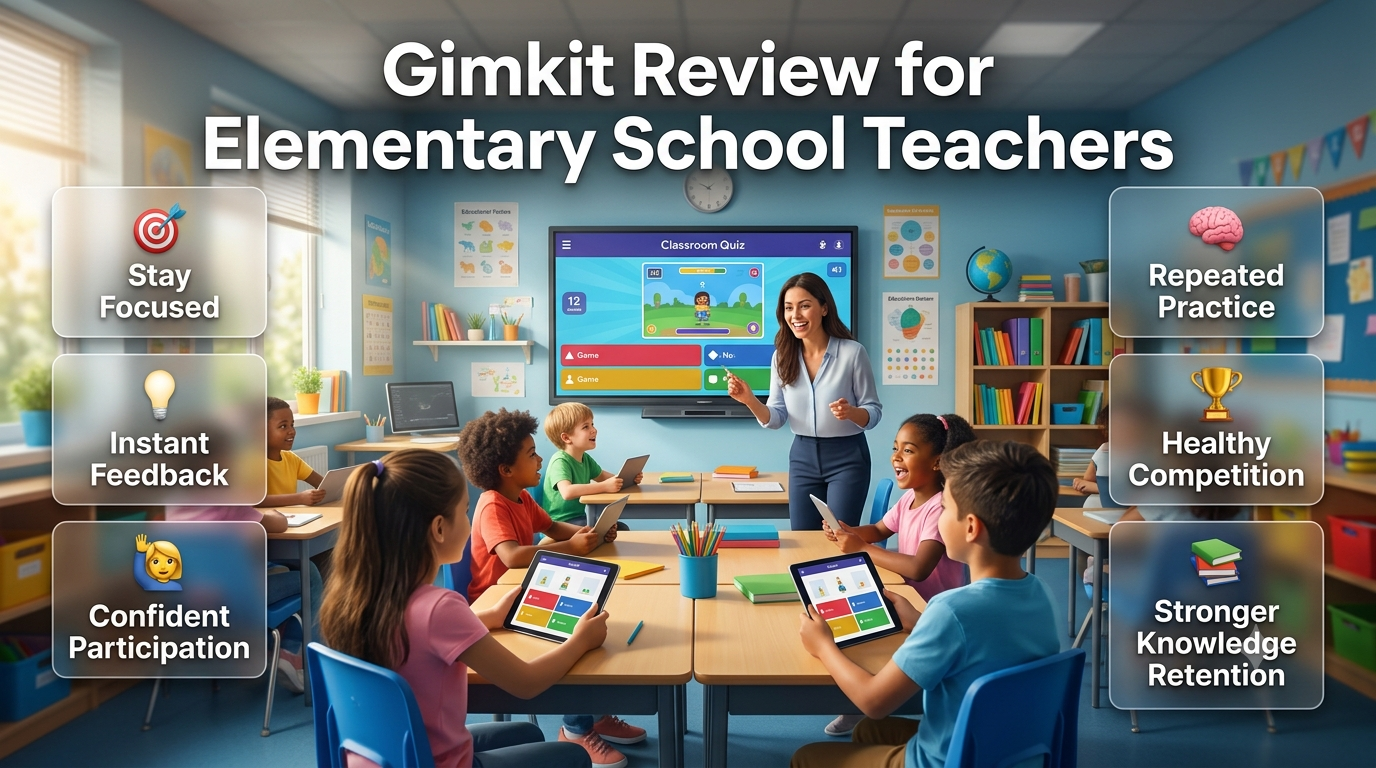
Instead of simply completing another worksheet, students can:
Stay focused throughout the lesson.
Participate more confidently.
Receive instant feedback on every answer.
Strengthen long-term knowledge through repeated practice.
Enjoy learning in a low-pressure environment.
Build motivation through healthy classroom competition.
This shift allows teachers to review important concepts while keeping students actively involved from beginning to end.
Explore the latest classroom resources, expert tutorials, and educational technology insights on GimkitApp, your complete destination for everything related to Gimkit and modern learning tools.
Why Gimkit Stands Out
Among today’s classroom technology tools, Gimkit has become one of the most popular platforms for elementary education.
Originally created by a high school student who wanted to make classroom quizzes more engaging, it has grown into a complete learning platform used by educators around the world.
Unlike traditional quiz games that simply award points for correct answers, Gimkit adds an interactive layer that keeps students thinking throughout the activity.
Students can:
💰 Earn virtual cash by answering correctly.
⚡ Unlock upgrades and power-ups.
🎯 Make simple strategic decisions.
📚 Continue practicing curriculum-based questions in an engaging way.
Instead of treating review as a one-time activity, Gimkit encourages continuous participation while reinforcing classroom learning.
Why Elementary Classrooms Need a Different Approach
Not every educational platform is designed with younger learners in mind.
Elementary students learn differently from middle or high school students. Their shorter attention spans, developing reading skills, and need for clear instructions mean that classroom technology must balance fun with educational purpose.
An effective elementary learning platform should provide:
Simple, child-friendly navigation.
Clear instructions with minimal confusion.
Age-appropriate challenges.
Positive motivation instead of excessive competition.
Strong educational value.
Easy classroom management for teachers.
When these elements work together, technology becomes a teaching tool—not a distraction.
Is Gimkit Good for Elementary School Teachers?
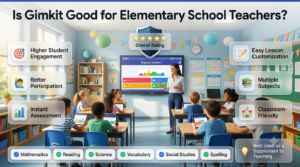
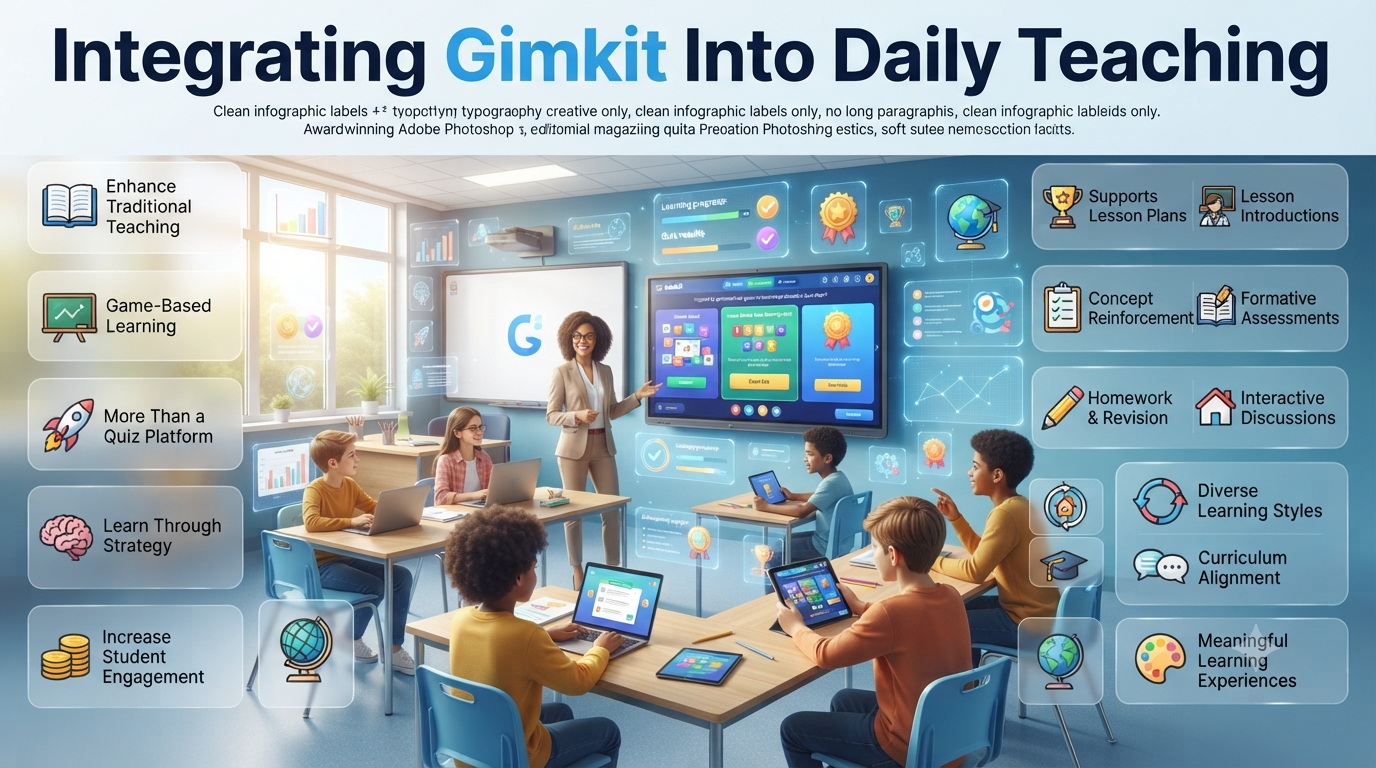
A classroom-focused review showing how Gimkit supports elementary teachers with engaging lessons, flexible assessments, and interactive game-based learning.
Short answer: Yes.
When used thoughtfully, Gimkit is one of the most effective game-based learning platforms for elementary classrooms.
Its biggest strength is combining curriculum-focused practice with engaging gameplay. Instead of rewarding speed alone, students work at their own pace while answering more questions, giving every learner additional opportunities to practice and improve.
For teachers, this creates several classroom advantages:
Higher student engagement.
Better participation from reluctant learners.
Instant formative assessment.
Flexible activities for multiple subjects.
Easy lesson customization for different grade levels.
Whether you’re teaching mathematics, reading, spelling, vocabulary, science, or social studies, Gimkit adapts well to a wide range of elementary lessons.
Professional Insight: Gimkit works best as a supplement to quality teaching—not a replacement. The strongest classrooms combine direct instruction, discussion, hands-on activities, and interactive review.
Gimkit Review at a Glance
Category
Rating
Professional Assessment
Student Engagement
⭐⭐⭐⭐⭐
Outstanding classroom engagement with consistently high participation.
Ease of Use
⭐⭐⭐⭐⭐
Simple for young learners and intuitive for teachers.
Classroom Management
⭐⭐⭐⭐☆
Flexible controls with effective moderation features.
Assessment & Reporting
⭐⭐⭐⭐☆
Strong formative assessment with useful performance insights.
Content Creation
⭐⭐⭐⭐⭐
Create, import, or edit question sets quickly.
Curriculum Flexibility
⭐⭐⭐⭐⭐
Suitable for nearly every elementary subject.
Accessibility
⭐⭐⭐⭐☆
Works well across most classroom devices.
Free Version
⭐⭐⭐☆☆
Good for getting started but limited compared to Pro.
Overall Rating
⭐⭐⭐⭐⭐
One of the best game-based learning platforms for elementary teachers.
Who Should Read This Review?
This review is designed for educators who want more than a basic feature overview. Instead of focusing only on game modes, it examines how Gimkit performs in real elementary classrooms.
Whether you’re exploring game-based learning for the first time or comparing digital teaching tools, this guide will help you decide if Gimkit fits your instructional goals.
This Review Is Ideal For
👩🏫 Elementary classroom teachers
🏫 School administrators evaluating EdTech platforms
Rather than presenting Gimkit as a perfect solution, this review highlights where it excels, where it has limitations, and how teachers can use it effectively to improve student learning.
What Makes This Review Different?
Many online Gimkit reviews focus almost entirely on exciting game modes, colorful graphics, or promotional feature lists.
While those features are important, they don’t answer the questions most elementary teachers actually ask before using a new classroom tool.
This review takes a practical, classroom-first approach by evaluating Gimkit based on the factors that matter during everyday teaching.
What You’ll Learn
Instead of marketing claims, this review examines:
📚 Educational value beyond entertainment
🎯 Student engagement across elementary grade levels
👩🏫 Teacher workload before, during, and after lessons
📝 Lesson preparation and content creation
📊 Assessment and reporting quality
🧩 Curriculum flexibility across multiple subjects
🛡️ Classroom management and teacher controls
♿ Accessibility for diverse learners
💰 Overall value for individual teachers and schools
📅 Long-term effectiveness throughout the school year
This balanced approach helps teachers understand not only what Gimkit offers, but also how it performs in real classroom environments.
Editor’s Note: No educational platform is perfect. The best choice depends on your students, teaching style, curriculum, and classroom goals. Throughout this review, you’ll find both the strengths and the limitations of Gimkit to help you make an informed decision.
The Story Behind Gimkit
One of Gimkit’s most interesting strengths is its origin.
Unlike many educational platforms developed by large technology companies, Gimkit was created by a high school student who believed classroom review could be more engaging than traditional quizzes.
That simple idea has grown into one of today’s most popular game-based learning platforms, serving thousands of teachers and students around the world.
Over the years, Gimkit has expanded far beyond basic quiz competitions by introducing:
🎮 Creative game modes
⚙️ Powerful teacher controls
📈 Detailed performance reports
🤝 Collaborative and independent learning options
📚 Flexible classroom activities for different teaching styles
For elementary teachers, this evolution makes a significant difference.
Whether you’re reviewing vocabulary, practicing multiplication, reinforcing science concepts, or assigning independent homework, Gimkit provides multiple ways to deliver the same lesson while keeping students actively engaged.
Rather than being just another quiz app, it has evolved into a flexible instructional tool that supports both teaching and formative assessment.
How Gimkit Works
One reason many elementary teachers enjoy using Gimkit is its simple classroom workflow. The platform is easy to understand for both teachers and students, allowing lessons to begin quickly without complicated setup.
The Basic Learning Cycle
Teacher Creates a Kit
          │
          ▼
Students Join with a Game Code
          │
          ▼
Students Answer Curriculum-Based Questions
          │
          ▼
Correct Answers Earn Rewards
          │
          ▼
Students Upgrade Their Progress
          │
          ▼
Teacher Reviews Performance Reports
          │
          ▼
Use Results to Improve Future Lessons
Although the process is straightforward, every stage serves a meaningful educational purpose.
Teachers remain in complete control of the lesson, while students practice important concepts through an engaging, interactive experience. Once the activity ends, detailed reports provide valuable insights into student understanding, helping teachers identify strengths, misconceptions, and areas that need additional support.
Why This Learning Cycle Works
Unlike traditional quizzes that end with a final score, Gimkit creates a continuous cycle of practice → feedback → improvement.
This allows teachers to:
Reinforce previously taught concepts.
Monitor student understanding in real time.
Identify learning gaps before formal assessments.
Adjust future lessons using meaningful performance data.
For students, the experience feels like a game.
For teachers, it functions as an effective formative assessment tool that supports everyday instruction rather than replacing it.
Teaching Insight: The real value of Gimkit isn’t the game itself—it’s the quality of the learning data teachers receive after every session.
The Complete Classroom Workflow
A successful Gimkit lesson begins long before students enter a game.
Experienced elementary teachers don’t use Gimkit as a time-filler or reward activity. Instead, they integrate it into their lesson plan to reinforce learning, check understanding, and guide future instruction.
Rather than focusing only on gameplay, every session follows a simple instructional cycle.
Learning Objective
        │
        ▼
Create or Select a Kit
        │
        ▼
Choose the Right Game Mode
        │
        ▼
Students Join the Activity
        │
        ▼
Active Learning Through Gameplay
        │
        ▼
Real-Time Teacher Monitoring
        │
        ▼
Performance Reports
        │
        ▼
Identify Learning Gaps
        │
        ▼
Improve the Next Lesson
The biggest advantage of this workflow is that learning doesn’t stop when the game ends. Every activity generates useful classroom data that helps teachers make smarter instructional decisions.
Step 1: Start with a Clear Learning Objective
Before creating a Kit or choosing a game mode, define what students should learn.
A clear objective keeps the activity focused and ensures gameplay supports instruction instead of becoming a distraction.
Ask Yourself
What should students understand by the end of today’s lesson?
Am I introducing, reviewing, or assessing a concept?
Which misconceptions are students most likely to have?
Should this activity be collaborative or independent?
For example, a third-grade math review on multiplication requires a very different approach than a second-grade reading lesson on story sequencing. Even though both use Gimkit, the questions, pacing, and classroom expectations should be tailored to the learning objective.
Professional Tip: Design questions that measure understanding—not just memorization. Whenever possible, include application-based questions that encourage students to think critically instead of simply recalling facts.
Step 2: Create or Choose the Right Kit
Every Gimkit activity is built around a Kit—the collection of questions students answer during gameplay.
The quality of your Kit has a direct impact on the quality of student learning.
Teachers generally have three options:
Option
Best For
Advantages
Keep in Mind
Create Your Own Kit
Daily lessons
Fully aligned with your curriculum and student needs
Requires preparation time
Edit an Existing Kit
Quick lesson planning
Saves time while allowing customization
Review every question before use
Use Community Kits
Supplementary practice
Large library of ready-made resources
Quality and accuracy may vary
Creating your own Kit often produces the strongest results because you control the vocabulary, difficulty level, and alignment with classroom standards.
Even small improvements—such as simplifying wording, adding visuals, or adjusting answer choices—can make questions far more accessible for younger learners.
Step 3: Choose the Best Game Mode
Every Gimkit game mode creates a different classroom experience.
Choosing the right one depends on your lesson objective, students’ age, available class time, and classroom culture.
Teaching Goal
Recommended Approach
Review before a quiz
Competitive review game
Vocabulary practice
Self-paced learning
Cooperative learning
Team-based activities
Independent assessment
Assignment Mode
End-of-lesson recap
Short review session
Learning centers
Small-group rotations
Elementary students often respond best to balanced or cooperative activities where learning takes priority over winning.
Rotating game modes throughout the school year also helps keep lessons fresh and prevents the platform from feeling repetitive.
Step 4: Students Join the Game
One reason Gimkit is so popular in elementary classrooms is its quick and simple joining process.
Students only need to:
Open the Gimkit join page.
Enter the game code provided by the teacher.
Choose an approved classroom nickname.
Wait for the activity to begin.
After students become familiar with the routine, joining usually takes only a few minutes.
Classroom Routine That Saves Time
Encourage students to follow the same routine every session:
✅ Pick up your device
✅ Enter the game code
✅ Use your classroom name
✅ Wait quietly for instructions
A consistent routine reduces transition time and allows teachers to spend more time teaching instead of troubleshooting technology.
Step 5: Learning Through Gameplay
Once the game begins, students continuously answer curriculum-based questions while progressing through the selected game mode.
Unlike many traditional quiz platforms that reward only speed, Gimkit encourages consistent participation and repeated practice.
Why This Works Well in Elementary Classrooms
✅ Self-Paced Learning
Students progress at a pace that matches their understanding, reducing pressure and giving every learner a chance to succeed.
✅ Active Retrieval Practice
Important concepts appear multiple times, strengthening long-term memory through repeated recall rather than passive review.
✅ Immediate Feedback
Students quickly recognize mistakes, adjust their thinking, and continue learning without waiting for papers to be graded.
✅ Continuous Engagement
Instead of stopping after completing a worksheet, students remain involved throughout the entire activity, resulting in more meaningful practice.
This cycle of question → feedback → improvement keeps students focused while giving teachers time to support individuals who need additional help.
The Teacher’s Role During Gameplay
One common misconception is that Gimkit allows teachers to sit back while students play.
In reality, the most successful lessons involve active teacher participation from start to finish.
During gameplay, teachers should:
Observe student confidence.
Monitor classroom behavior.
Address misconceptions immediately.
Encourage hesitant learners.
Celebrate improvement and effort.
Support students who need extra guidance.
Reinforce classroom expectations.
While Gimkit manages the game mechanics, teachers remain responsible for guiding learning and ensuring every student stays engaged.
Classroom Insight: Gimkit is most effective when it supports great teaching—not when it replaces it. The platform delivers the activity, but meaningful learning still depends on the teacher’s guidance.
Why Student Engagement Matters in Elementary Classrooms
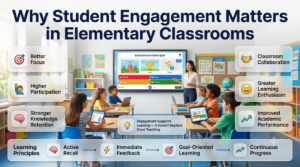
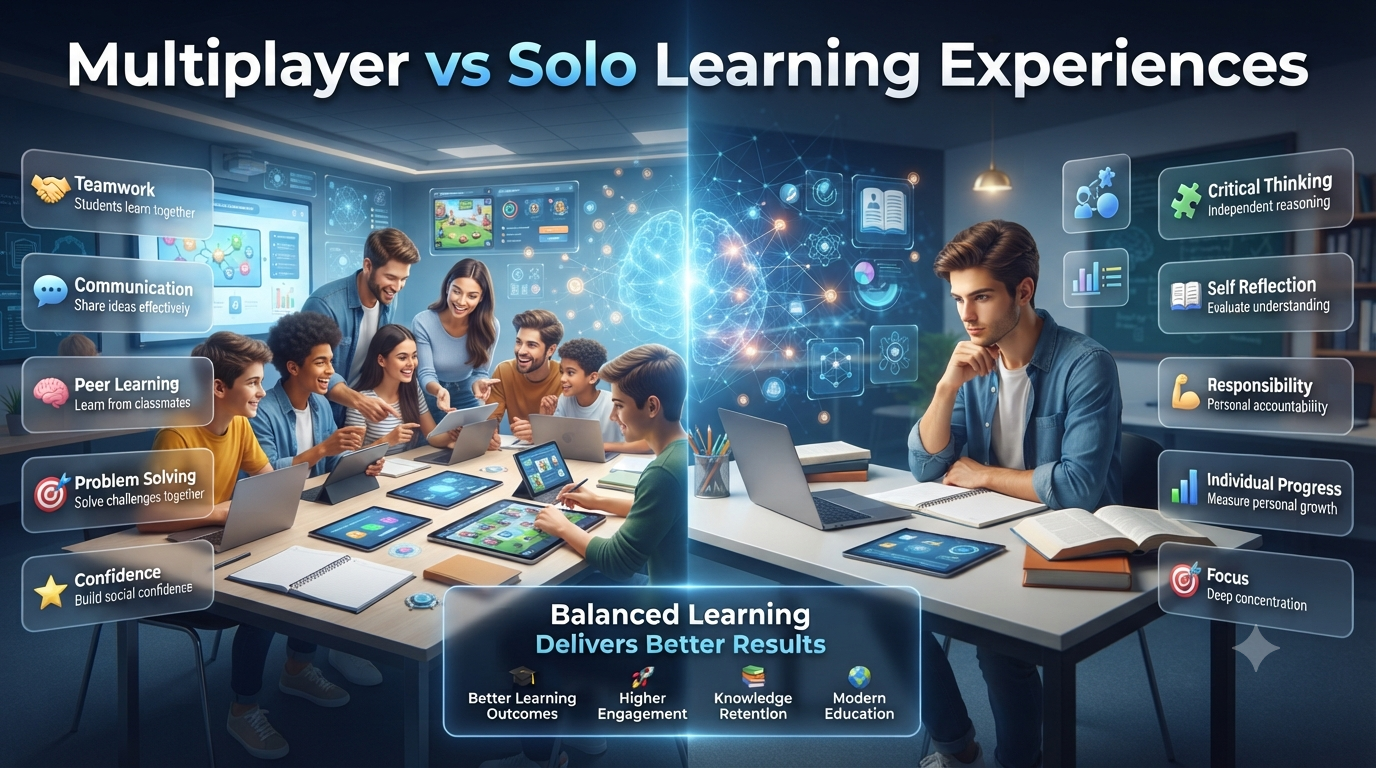
Interactive learning helps elementary students stay focused, participate with confidence, and strengthen long-term knowledge through engaging classroom experiences.
Student engagement isn’t just about making lessons more enjoyable—it plays a direct role in how well children learn, remember, and apply new knowledge.
Elementary students naturally have shorter attention spans than older learners. They stay focused longer when lessons are interactive, visually appealing, and encourage active participation rather than passive listening.
An engaged classroom often leads to:
🎯 Better focus during lessons.
🙋 Higher participation and confidence.
🧠 Stronger knowledge retention.
🤝 More collaboration with classmates.
😊 Greater enthusiasm for learning.
📈 Improved academic performance over time.
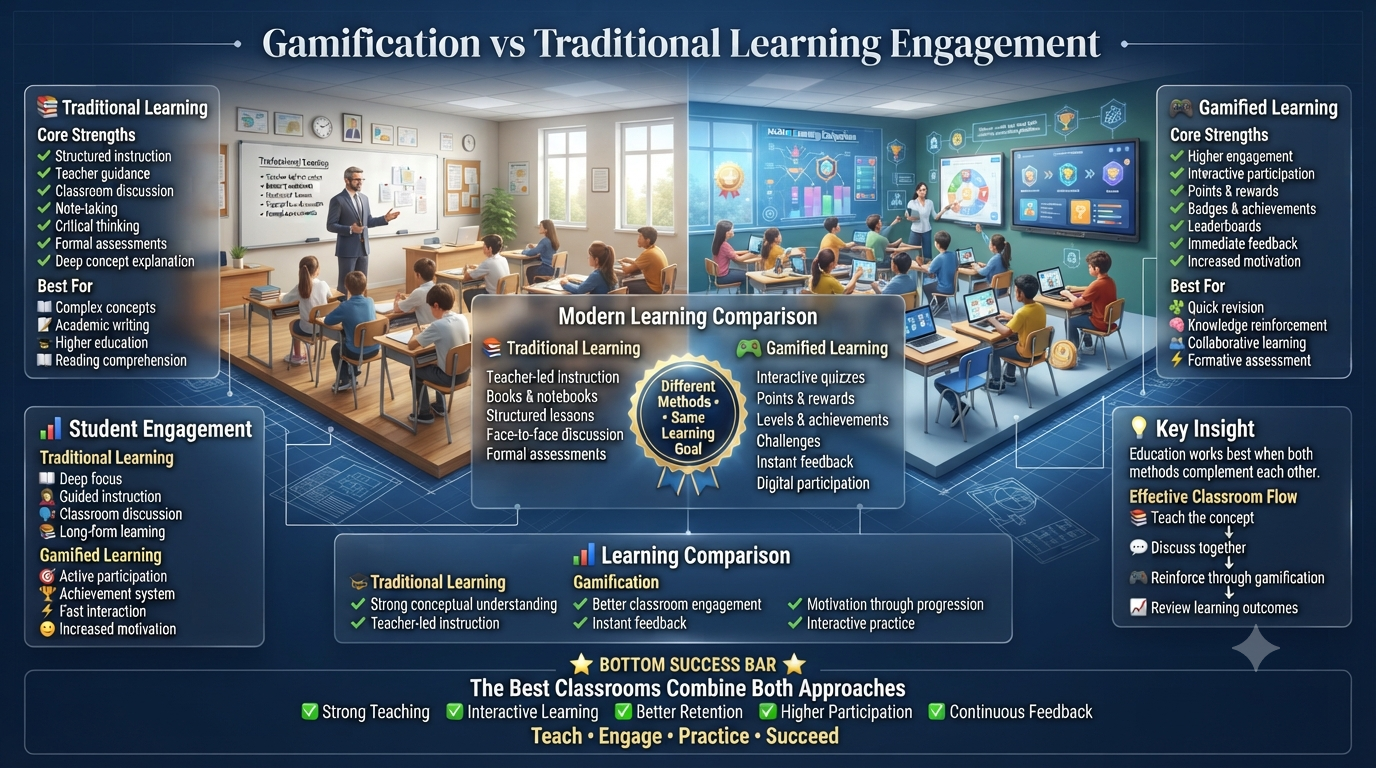
Traditional review methods, such as worksheets or repetitive drills, can still be valuable. However, they often struggle to maintain attention for extended periods. Gimkit addresses this challenge by transforming review into an interactive learning experience where every correct answer contributes to visible progress.
Educational Insight: Engagement should always support learning—not replace it. The most effective classrooms use interactive tools to strengthen instruction while keeping academic goals at the center.
Why Gimkit Keeps Students Engaged
Gimkit isn’t successful simply because it feels like a game. Its design is built around several learning principles that encourage students to stay involved while reinforcing classroom content.
Instead of answering a few questions and finishing, students remain active throughout the lesson because every response contributes to their progress.
This combination of learning and motivation helps create longer periods of focused practice without making review feel repetitive.
Learning Principles Behind Gimkit
Learning Principle
How Gimkit Supports It
Classroom Benefit
Active Recall
Students repeatedly retrieve information from memory instead of rereading notes.
Improves long-term retention.
Immediate Feedback
Answers are checked instantly, allowing students to correct mistakes right away.
Prevents misconceptions from becoming habits.
Goal-Oriented Learning
Every correct answer contributes to meaningful in-game progress.
Encourages students to stay engaged longer.
Incremental Success
Small achievements build confidence throughout the activity.
Motivates hesitant learners to keep trying.
Continuous Practice
Students answer far more questions than in many traditional review sessions.
Reinforces learning through meaningful repetition.
Together, these principles create an environment where students spend more time thinking about academic content instead of simply trying to finish an assignment.
Motivation Through Purposeful Gamification
One of Gimkit’s biggest strengths is its use of purposeful gamification.
The game elements are designed to support learning rather than distract from it.
Instead of earning points that have little meaning, students answer questions correctly to unlock progress, make simple strategic decisions, and continue improving throughout the activity.
This creates a powerful shift in mindset.
Instead of thinking:
“I finished another question.”
Students begin thinking:
“A few more correct answers will help me reach my next goal.”
That sense of progress keeps learners engaged while ensuring that academic success remains the foundation of gameplay.
Healthy Gamification vs. Classroom Distraction
Not every educational game improves learning.
The most effective platforms use game mechanics to reinforce academic objectives rather than overshadow them.
Effective Gamification Includes
Clear learning goals.
Rewards connected to academic effort.
Opportunities for repeated practice.
Positive reinforcement.
Balanced challenge levels.
Poor Gamification Often Leads To
Unnecessary distractions.
Excessive competition.
Rewards unrelated to learning.
Frustration for struggling students.
Students focusing more on winning than understanding.
Gimkit generally avoids these issues because students cannot make meaningful progress without answering curriculum-based questions correctly.
The Power of Immediate Feedback
Immediate feedback is one of the platform’s most valuable instructional features.
Instead of waiting until homework or quizzes are graded, students discover whether their thinking is correct while learning is still taking place.
This allows them to recognize mistakes, adjust their understanding, and continue practicing without interrupting the lesson.
Benefits for Students
Learn from mistakes immediately.
Build confidence through continuous improvement.
Stay motivated without long delays.
Develop stronger problem-solving habits.
Benefits for Teachers
Correct misconceptions in real time.
Encourage productive classroom discussions.
Identify students who need additional support.
Make instructional adjustments before misunderstandings grow.
Rather than viewing mistakes as failures, students begin to see them as a normal part of the learning process.
Why Self-Paced Learning Benefits Younger Students
Every elementary classroom includes students who learn at different speeds.
Some answer confidently within seconds, while others need additional time to process information.
Gimkit’s self-paced approach allows every learner to work comfortably without feeling pressured by classmates.
Key Advantages
✅ Reduced Performance Anxiety
Students who need extra thinking time can answer carefully instead of feeling rushed.
✅ Higher Participation
Confident learners continue progressing while other students work at their own pace.
✅ More Inclusive Learning
Students with different abilities remain active participants throughout the lesson.
✅ Greater Individual Growth
Each learner practices according to their current understanding rather than trying to match the pace of the entire class.
This flexibility helps create a more supportive classroom environment where improvement matters more than speed.
Repetition Without Boredom
Repetition is essential for elementary learning—but repeating the same activity over and over can quickly reduce student motivation.
Gimkit approaches practice differently.
Instead of presenting identical worksheets or drills, it places repeated questions inside an interactive environment that keeps students engaged from beginning to end.
As a result, learners revisit important concepts without feeling as though they’re completing the same task repeatedly.
This approach works especially well for reviewing:
🔤 Spelling and vocabulary
➗ Multiplication and math facts
🔬 Science terminology
📖 Reading comprehension
🌍 Social studies concepts
Students receive the repetition they need while experiencing a learning activity that feels fresh and rewarding.
Building Confidence Through Small Wins
Not every student enters the classroom with the same level of confidence.
Some eagerly answer questions, while others hesitate because they’re afraid of making mistakes.
Gimkit helps reduce that anxiety by rewarding consistent effort instead of focusing only on final scores.
Every correct answer contributes to visible progress, encouraging students to see improvement as a gradual process rather than an all-or-nothing result.
This can be especially valuable for learners who:
Need extra encouragement.
Feel nervous during traditional quizzes.
Learn best through positive reinforcement.
Benefit from seeing measurable progress.
Gain confidence through repeated success.
Small achievements throughout a lesson often lead to greater confidence, stronger participation, and a more positive attitude toward learning.
Professional Perspective: The true strength of Gimkit isn’t that it turns learning into a game—it’s that it encourages students to spend more time actively thinking about academic content. When paired with purposeful teaching, higher engagement naturally leads to deeper understanding and better learning outcomes.
Student Engagement Across Different Elementary Grade Levels
One of Gimkit’s greatest strengths is its flexibility. However, younger and older elementary students are motivated by different experiences, so the same teaching approach won’t always produce the best results.
Understanding these developmental differences helps teachers select game modes, question types, and lesson structures that match their students’ needs.
Keep sessions short, use simple questions, and provide plenty of teacher guidance.
Grades 3–4
Strategy, teamwork, visible progress
Introduce a variety of game modes and encourage collaborative learning.
Grade 5
Challenge, competition, decision-making
Balance competitive activities with cooperative tasks and higher-order thinking questions.
As students mature, they become more comfortable with strategy and independent learning. Adapting your teaching approach keeps activities engaging while ensuring they remain developmentally appropriate.
Keeping Students Engaged Throughout the School Year
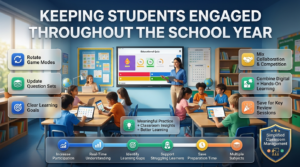
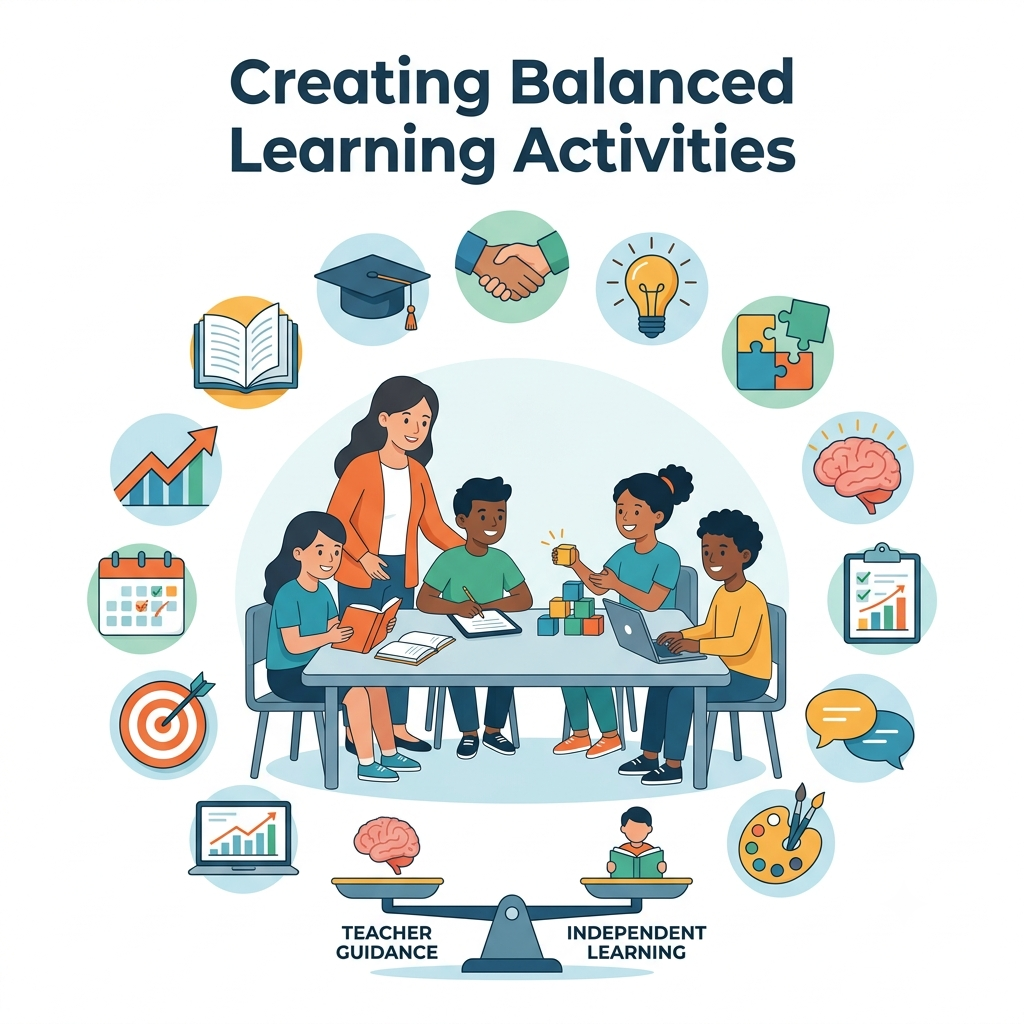
A balanced teaching approach helps teachers keep Gimkit engaging throughout the school year while improving participation, assessment, and classroom management.
Like any educational technology, Gimkit is most effective when it’s used with purpose.
If students play the same activity every week without variation, the excitement gradually fades. Long-term success comes from integrating the platform into a broader teaching strategy rather than relying on it as the primary learning activity.
Ways to Keep Lessons Fresh
🔄 Rotate different game modes.
📚 Update question sets regularly.
🎯 Align every activity with a clear learning objective.
🤝 Mix competitive and collaborative experiences.
🧩 Combine digital practice with hands-on learning.
🎉 Use Gimkit for important review sessions instead of every lesson.
This balanced approach keeps students interested while ensuring that gameplay always supports meaningful learning.
Beyond Engagement: Real Classroom Value
Student engagement is important, but it isn’t the ultimate goal.
The real value of Gimkit lies in its ability to increase meaningful practice while providing teachers with actionable classroom insights.
During a typical session, students answer significantly more curriculum-based questions than they would during many traditional review activities. That additional practice helps strengthen understanding, while built-in reporting tools allow teachers to identify learning gaps before formal assessments.
This combination of engagement and instructional data makes Gimkit much more than a classroom game—it becomes an effective teaching resource.
Classroom Benefits for Teachers
Although students experience Gimkit as an interactive game, teachers benefit from a powerful set of instructional tools working behind the scenes.
Instead of simply monitoring scores, educators can observe participation, identify misconceptions, and adjust instruction based on real classroom performance.
Key Benefits for Elementary Teachers
📈 Increase participation during review sessions.
🧠 Reinforce previously taught concepts.
📊 Monitor student understanding in real time.
🎯 Identify learning gaps before assessments.
👩🏫 Support struggling learners more effectively.
⏱️ Save preparation time by reusing and updating Kits.
📚 Adapt activities across multiple subjects and grade levels.
These features allow teachers to focus more on instruction while Gimkit manages question delivery and student interaction.
Stay updated with the latest video game news, expert reviews, walkthroughs, and industry coverage by visiting IGN, one of the world’s leading gaming and entertainment websites.
Classroom Management Made Simpler
Managing an active elementary classroom requires more than engaging content. Teachers also need tools that help maintain structure, encourage positive behavior, and keep students focused on learning.
Gimkit includes several classroom management features that make this easier during live activities.
Helpful Classroom Features
Control when students can join a game.
Monitor participation throughout the session.
Manage player names for a professional classroom environment.
Pause or end activities whenever needed.
Choose settings that match your classroom goals.
Encourage teamwork or independent learning depending on the lesson.
These controls give teachers the flexibility to adapt each activity to their classroom while maintaining a positive learning environment.
Classroom Tip: Before starting a game, establish simple expectations for device use, respectful competition, and classroom behavior. Clear routines help students stay focused and reduce unnecessary interruptions.
Supporting Different Learning Styles
No two students learn in exactly the same way.
Some learn best by reading, others through repetition, discussion, or visual reinforcement. While Gimkit isn’t designed to replace differentiated instruction, it can complement a variety of teaching approaches.
For example:
Visual learners benefit from clear on-screen questions and progress indicators.
Independent learners appreciate the self-paced format.
Collaborative learners enjoy team-based game modes.
Students who need repeated practice gain confidence through continuous review.
By combining Gimkit with direct instruction, classroom discussion, and hands-on activities, teachers can create a more balanced learning experience that reaches a wider range of students.
Is Gimkit Effective for Different Elementary Subjects?
One reason many schools adopt Gimkit is its flexibility across the curriculum.
Because teachers create or customize their own question sets, the platform can support nearly any elementary subject.
Common Classroom Applications
Subject
How Teachers Commonly Use Gimkit
Mathematics
Math facts, word problems, and concept review
Reading
Comprehension, sequencing, and story elements
Vocabulary & Spelling
Word recognition, definitions, and weekly review
Science
Key terminology, concepts, and unit revision
Social Studies
Historical events, geography, and important facts
Language Learning
Vocabulary building and basic grammar practice
This flexibility allows teachers to use a familiar platform throughout the school year without limiting it to a single subject.
Where Gimkit Performs Best
While Gimkit is a versatile platform, certain classroom situations highlight its strengths more than others.
It performs especially well when teachers want to:
Review a recently completed unit.
Prepare students for quizzes or tests.
Reinforce vocabulary and key concepts.
Increase participation during revision lessons.
Gather quick formative assessment data.
Make classroom review more interactive.
In these situations, Gimkit combines engagement with meaningful academic practice, making review sessions both productive and enjoyable for elementary learners.
Professional Insight: The most successful teachers don’t use Gimkit because it’s entertaining—they use it because it increases participation, strengthens retention, and provides valuable assessment data that improves future instruction.
Key Features Every Elementary Teacher Should Know
Gimkit offers far more than interactive quizzes. Behind its game-based design is a collection of teaching tools that support lesson planning, classroom management, assessment, and student engagement.
Rather than exploring every feature individually, let’s focus on the ones that have the greatest impact in elementary classrooms.
1. Custom Kit Creation
Every Gimkit activity starts with a Kit—a collection of teacher-created questions aligned with a specific learning objective.
Teachers can build Kits from scratch, edit existing ones, or customize community-created resources to match their curriculum.
Why It Matters
Aligns lessons with classroom objectives.
Adjusts difficulty for different grade levels.
Supports differentiated instruction.
Reuse and update Kits throughout the school year.
Save valuable lesson preparation time.
Best Practice: Create smaller, topic-specific Kits instead of one large question bank. Shorter Kits are easier to manage and help students stay focused on a single learning objective.
2. Multiple Game Modes
One of Gimkit’s biggest strengths is its variety of game modes.
Instead of repeating the same review format every lesson, teachers can choose different experiences that match classroom goals and student needs.
Different game modes can support:
Individual review
Team collaboration
Whole-class participation
Homework assignments
Learning centers
End-of-unit revision
Rotating game modes throughout the semester helps maintain excitement while preventing classroom routines from becoming predictable.
3. Self-Paced Learning
Unlike many quiz platforms that require every student to answer the same question simultaneously, Gimkit allows students to progress at their own pace.
This creates a more inclusive learning environment where students focus on understanding rather than racing against classmates.
Classroom Benefits
Reduces unnecessary pressure.
Supports different learning speeds.
Encourages thoughtful responses.
Gives every student more opportunities to practice.
Creates a calmer review environment.
For elementary classrooms with diverse learning abilities, this flexibility is one of Gimkit’s most valuable strengths.
4. Instant Feedback
Immediate feedback helps students learn while the lesson is still taking place.
Instead of waiting until papers are graded, students quickly discover whether their answers are correct and continue practicing immediately.
Benefits for Students
Correct mistakes instantly.
Reinforce accurate understanding.
Build confidence through continuous improvement.
Stay motivated during review activities.
Benefits for Teachers
Identify misconceptions immediately.
Adjust instruction in real time.
Support struggling students before misunderstandings grow.
This immediate learning cycle turns every activity into an opportunity for continuous improvement rather than delayed evaluation.
5. Detailed Performance Reports
One of Gimkit’s strongest educational features appears after the game ends.
Each completed activity generates reports that provide meaningful insights into student understanding—not just final scores.
Teachers can quickly identify:
Students who need additional support.
Frequently missed questions.
Topics requiring reteaching.
Overall class accuracy.
Participation trends.
Individual learning progress.
Instead of asking “Who won the game?”, teachers can focus on a more important question:
“What did my students actually learn?”
This shift transforms Gimkit into a practical formative assessment tool rather than simply an engaging classroom activity.
6. Flexible Assignment Mode
Learning doesn’t have to end when class is over.
Assignment Mode allows teachers to assign Kits for independent practice, homework, intervention, or additional review.
Students complete activities at their own pace while teachers receive the same detailed performance data available during live sessions.
This feature is especially useful for:
Homework review.
Make-up work.
Independent practice.
Revision before assessments.
Additional support for struggling learners.
7. Easy Classroom Management Tools
Technology should simplify teaching—not create additional classroom challenges.
Gimkit includes several management features that help teachers maintain an organized and productive learning environment.
Helpful Teacher Controls
Start or end games at any time.
Monitor student participation.
Manage classroom nicknames.
Adjust game settings.
Control pacing based on lesson needs.
Choose between individual and collaborative activities.
These tools allow teachers to stay in control while students remain actively engaged.
8. Flexible Across Every Elementary Subject
Because teachers create their own content, Gimkit works across nearly every elementary subject.
Whether students are reviewing facts, practicing vocabulary, or reinforcing key concepts, the platform adapts to different classroom objectives.
Popular Subject Areas
Subject
Classroom Use
Mathematics
Math facts, problem solving, unit review
Reading
Story elements, comprehension, sequencing
Vocabulary & Spelling
Weekly word practice and revision
Science
Concepts, terminology, and assessment review
Social Studies
Geography, history, and important events
Language Learning
Vocabulary, grammar, and sentence practice
This flexibility allows teachers to use one familiar platform across multiple lessons instead of learning different tools for each subject.
Features Elementary Teachers Appreciate Most
While Gimkit offers many capabilities, a few consistently stand out in everyday classroom use.
Teachers often value it because it helps them:
Increase student participation.
Make review lessons more engaging.
Save lesson preparation time.
Gather meaningful assessment data.
Support students with different learning needs.
Reinforce concepts through repeated practice.
Create a positive and interactive classroom environment.
Rather than replacing quality instruction, these features strengthen everyday teaching by making review sessions more effective, organized, and enjoyable.
Professional Perspective: The best educational technology doesn’t replace great teaching—it amplifies it. Gimkit succeeds because its strongest features help teachers spend less time managing review activities and more time supporting student learning.
Profesional Recomandations & Expert Reviews
Gimkit Review for Elementary School Teachers shows that the platform makes classroom learning more interactive for young students.
Gimkit Review for Elementary School Teachers encourages active participation through engaging game-based review sessions.
Gimkit Review for Elementary School Teachers helps transform routine practice into enjoyable learning experiences.
Gimkit Review for Elementary School Teachers supports reinforcing classroom lessons through repeated interactive questions.
Gimkit Review for Elementary School Teachers motivates elementary students to stay focused throughout review activities.
Gimkit Review for Elementary School Teachers provides immediate feedback that helps students learn from mistakes.
Gimkit Review for Elementary School Teachers encourages regular classroom participation without placing excessive pressure on learners.
Gimkit Review for Elementary School Teachers supports differentiated instruction across different learning abilities.
Gimkit Review for Elementary School Teachers helps teachers identify learning gaps through classroom performance.
Gimkit Review for Elementary School Teachers creates an enjoyable environment that supports academic confidence.
Gimkit Review for Elementary School Teachers encourages collaboration through classroom games and team activities.
Gimkit Review for Elementary School Teachers supports formative assessment during everyday lessons.
Gimkit Review for Elementary School Teachers helps maintain classroom attention during review sessions.
Gimkit Review for Elementary School Teachers encourages students to practice important concepts repeatedly.
Gimkit Review for Elementary School Teachers supports flexible lesson planning across multiple subjects.
Gimkit Review for Elementary School Teachers makes mathematics practice more engaging for younger learners.
Gimkit Review for Elementary School Teachers strengthens vocabulary review through interactive gameplay.
Gimkit Review for Elementary School Teachers supports reading comprehension activities with customized question sets.
Gimkit Review for Elementary School Teachers encourages students to answer thoughtfully while staying engaged.
Gimkit Review for Elementary School Teachers helps reduce classroom boredom during revision lessons.
Gimkit Review for Elementary School Teachers supports science review with interactive classroom participation.
Gimkit Review for Elementary School Teachers encourages consistent academic practice throughout the school year.
Gimkit Review for Elementary School Teachers helps build stronger classroom routines through engaging activities.
Gimkit Review for Elementary School Teachers supports positive reinforcement with immediate learning feedback.
Gimkit Review for Elementary School Teachers allows educators to customize activities for individual classroom needs.
Gimkit Review for Elementary School Teachers encourages students to remain motivated throughout each lesson.
Gimkit Review for Elementary School Teachers supports regular knowledge checks without increasing classroom stress.
Gimkit Review for Elementary School Teachers helps teachers monitor student understanding more efficiently.
Gimkit Review for Elementary School Teachers supports personalized learning experiences for diverse classrooms.
Gimkit Review for Elementary School Teachers encourages healthy classroom competition that remains educational.
Gimkit Review for Elementary School Teachers helps strengthen long-term knowledge retention through repeated practice.
Gimkit Review for Elementary School Teachers supports classroom discussions after every interactive session.
Gimkit Review for Elementary School Teachers encourages creative lesson delivery using game-based learning.
Gimkit Review for Elementary School Teachers supports independent learning alongside teacher-guided instruction.
Gimkit Review for Elementary School Teachers helps students become more confident when answering classroom questions.
Gimkit Review for Elementary School Teachers encourages participation from quieter students through interactive activities.
Gimkit Review for Elementary School Teachers supports quick classroom reviews before quizzes and assessments.
Gimkit Review for Elementary School Teachers helps reinforce daily learning objectives through engaging repetition.
Gimkit Review for Elementary School Teachers supports classroom management by maintaining student attention.
Gimkit Review for Elementary School Teachers encourages consistent engagement during review lessons.
Gimkit Review for Elementary School Teachers supports collaborative learning through shared educational experiences.
Gimkit Review for Elementary School Teachers helps make difficult topics feel more approachable for young learners.
Gimkit Review for Elementary School Teachers encourages students to celebrate continuous academic improvement.
Gimkit Review for Elementary School Teachers supports teachers who want interactive alternatives to traditional worksheets.
Gimkit Review for Elementary School Teachers helps maintain enthusiasm throughout extended classroom review sessions.
Gimkit Review for Elementary School Teachers supports curriculum-aligned practice without sacrificing classroom enjoyment.
Gimkit Review for Elementary School Teachers encourages stronger classroom relationships through shared learning experiences.
Gimkit Review for Elementary School Teachers helps students remain actively involved from beginning to end.
Gimkit Review for Elementary School Teachers supports engaging homework and independent review activities.
Gimkit Review for Elementary School Teachers encourages thoughtful participation rather than passive observation.
Gimkit Review for Elementary School Teachers supports meaningful learning through immediate classroom interaction.
Gimkit Review for Elementary School Teachers helps teachers adapt instruction using student performance insights.
Gimkit Review for Elementary School Teachers supports balanced classroom instruction with interactive review sessions.
Gimkit Review for Elementary School Teachers encourages lifelong learning habits through enjoyable educational experiences.
Gimkit Review for Elementary School Teachers supports active classroom participation regardless of learning level.
Gimkit Review for Elementary School Teachers helps reinforce positive study habits through regular classroom practice.
Gimkit Review for Elementary School Teachers supports engaging educational experiences that complement traditional instruction.
Gimkit Review for Elementary School Teachers encourages meaningful review without overwhelming young students.
Gimkit Review for Elementary School Teachers demonstrates that interactive learning can significantly improve classroom engagement.
Gimkit Review for Elementary School Teachers ultimately shows that the platform provides an engaging, flexible, and student-friendly way to reinforce elementary classroom lessons through interactive gameplay, immediate feedback, personalized practice.
Gimkit Review for Elementary School Teachers encourages educators to introduce new topics with short interactive warm-up activities that capture student attention.
Gimkit Review for Elementary School Teachers helps elementary learners stay motivated by making daily classroom review feel rewarding instead of repetitive.
Gimkit Review for Elementary School Teachers supports teachers who want to balance educational objectives with enjoyable classroom experiences.
Gimkit Review for Elementary School Teachers encourages students to build confidence by practicing skills in a supportive, low-pressure learning environment.
Gimkit Review for Elementary School Teachers helps simplify lesson reviews by presenting important concepts in an engaging and interactive format.
Gimkit Review for Elementary School Teachers supports stronger classroom participation because every student has frequent opportunities to contribute.
Gimkit Review for Elementary School Teachers encourages teachers to reinforce core subjects through consistent game-based practice and discussion.
Gimkit Review for Elementary School Teachers demonstrates that younger students often remain focused longer when learning includes interactive challenges.
Gimkit Review for Elementary School Teachers supports positive classroom culture by encouraging teamwork, respectful competition, and continuous academic improvement.
Gimkit Review for Elementary School Teachers ultimately confirms that elementary educators can create engaging, curriculum-focused lessons by combining interactive review, immediate feedback, active participation, and thoughtful instruction, helping young learners develop stronger understanding, greater confidence, and lasting enthusiasm for classroom learning.
Frequently Asked Questions (FAQs)
1. Is Gimkit worth using in elementary classrooms?
Yes, Gimkit is one of the most effective game-based learning platforms for elementary education when it’s used with clear instructional goals. Instead of replacing traditional teaching, it enhances classroom lessons by increasing participation, encouraging active recall, and providing immediate feedback. Teachers can use it to review mathematics, reading, vocabulary, science, spelling, and social studies while collecting valuable formative assessment data. When combined with direct instruction and classroom discussion, Gimkit helps create an engaging learning environment that supports both academic achievement and student confidence.
2. What elementary grade levels work best with Gimkit?
Gimkit works well across most elementary grade levels, but teachers should adjust their approach based on student age and developmental needs. Younger students in Grades 1–2 benefit from shorter sessions, simple questions, and plenty of teacher guidance. Students in Grades 3–5 usually enjoy more strategic game modes, teamwork, and independent learning opportunities. By selecting age-appropriate content and pacing, teachers can ensure the platform remains engaging without overwhelming younger learners.
3. Can Gimkit improve learning outcomes or is it only entertaining?
Gimkit is much more than an entertaining classroom game. Its educational value comes from combining active retrieval practice, immediate feedback, repeated exposure to key concepts, and student motivation. These evidence-based learning principles help strengthen long-term memory and improve understanding over time. While no educational platform guarantees higher grades on its own, teachers who integrate Gimkit into well-planned lessons often report stronger participation, improved concept retention, and more productive classroom review sessions.
4. Is the free version of Gimkit enough for elementary teachers?
The free version is an excellent starting point for teachers who want to explore the platform before purchasing a subscription. It allows educators to experience the core teaching workflow and understand how game-based learning fits into their classroom. However, schools or teachers who plan to use Gimkit regularly may eventually benefit from the Pro version, which unlocks additional game modes, greater flexibility, and more advanced classroom features. Choosing between the two depends on teaching frequency, classroom needs, and available budget.
5. How much preparation does a Gimkit lesson require?
Preparation time varies depending on whether teachers create their own Kits or use existing resources. The first few lessons usually require more planning because questions need to align with learning objectives and curriculum standards. Once several Kits have been created, they can be reused, updated, and shared throughout the school year, significantly reducing preparation time. Most experienced teachers find that the initial investment pays off through faster lesson planning and more effective review sessions later.
6. Does Gimkit work well for students with different learning abilities?
Yes. One of Gimkit’s biggest strengths is its ability to support classrooms with diverse learning needs. The self-paced structure reduces pressure on students who need extra processing time while allowing confident learners to continue progressing. Teachers can also simplify questions, adjust difficulty levels, choose collaborative game modes, and provide targeted support during gameplay. Although it isn’t a complete differentiated instruction solution, Gimkit complements inclusive teaching practices and helps more students participate successfully.
7. What are the biggest limitations elementary teachers should consider?
Although Gimkit offers many advantages, it is not a complete teaching solution. Students still need direct instruction, guided practice, discussion, hands-on activities, and teacher feedback outside of gameplay. Excessive use can also reduce the novelty that makes the platform engaging, so many educators reserve it for review sessions, formative assessments, and concept reinforcement rather than daily instruction. Like any educational technology, its effectiveness depends more on thoughtful lesson design than on the software itself.
8. Should elementary teachers choose Gimkit over other classroom quiz platforms?
There isn’t a single platform that’s best for every classroom. Gimkit stands out because it combines engaging gameplay, strategic decision-making, self-paced learning, and detailed assessment reports in one platform. Teachers who prioritize student engagement and formative assessment often find it an excellent choice. However, the best decision depends on factors such as curriculum goals, student age, classroom technology, teaching style, and school budget. Evaluating these factors carefully will help educators choose the platform that best supports their students’ learning needs.
Final Verdict
Gimkit has earned its reputation as one of the leading game-based learning platforms for elementary education because it successfully balances engagement, instructional value, and classroom practicality. Rather than simply making learning feel like a game, it encourages students to think actively, practice consistently, and participate with greater confidence.
For teachers, its greatest strengths extend beyond entertainment. Customizable Kits, flexible game modes, self-paced learning, instant feedback, and detailed performance reports make it a valuable tool for reinforcing lessons and guiding future instruction. At the same time, understanding its limitations is equally important. Gimkit delivers the best results when it complements high-quality teaching instead of replacing it.
If your goal is to create an elementary classroom where students participate enthusiastically, review concepts more effectively, and provide meaningful assessment data without increasing teacher workload, Gimkit is an excellent investment of your instructional time. Used strategically and purposefully, it can become a reliable part of an engaging, student-centered learning environment throughout the entire school year.