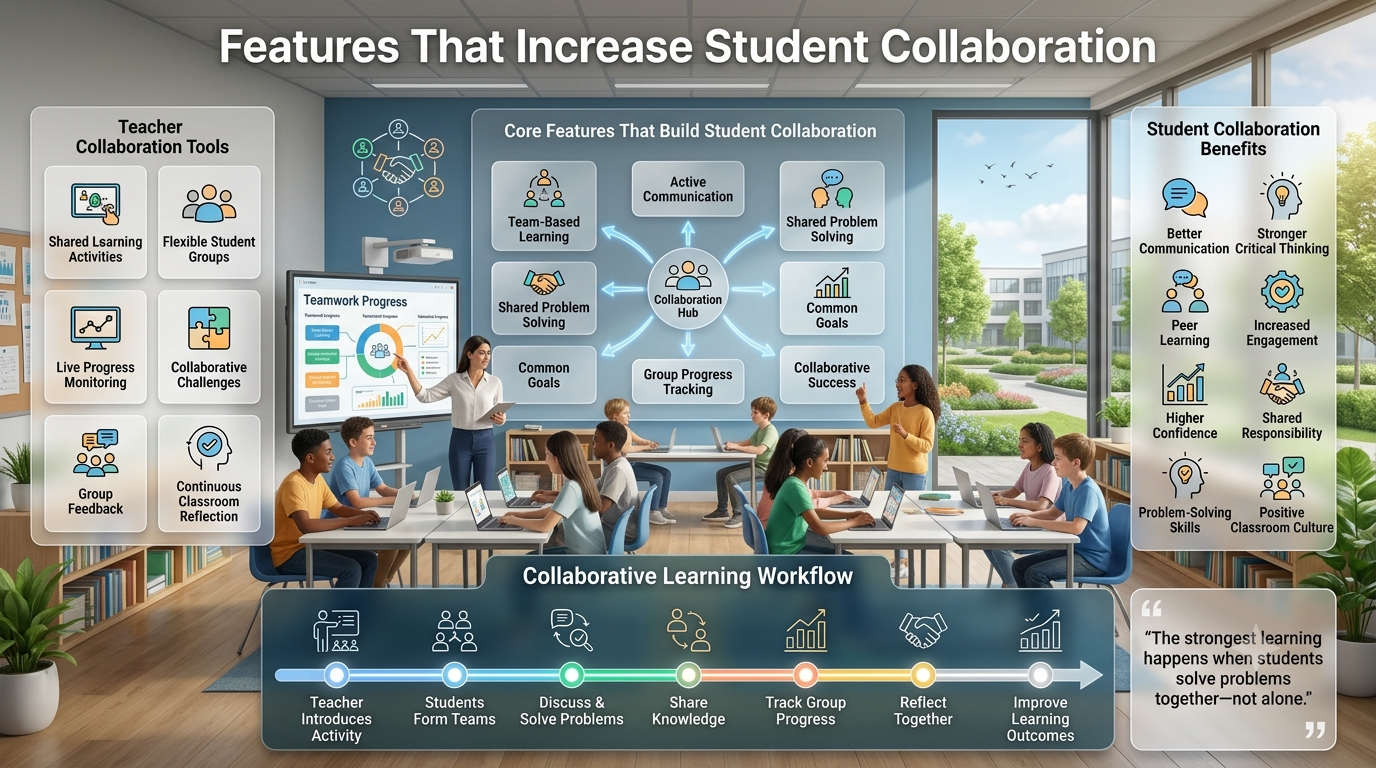
Features That Increase Student Collaboration-Student collaboration has become one of the defining characteristics of effective digital learning. Interactive platforms are no longer judged only by how well they deliver quiz questions—they are evaluated by how successfully they encourage communication, teamwork, shared problem-solving, and active participation. Whether students are working together in a physical classroom or connecting remotely, collaborative learning experiences help transform individual study into a social process where learners exchange ideas, support one another, and build stronger understanding.
Among modern classroom platforms,Gimkitstands out because many of its game modes are intentionally designed to encourage cooperation instead of simple competition. While teachers often compare Gimkit with Kahoot, Quizizz, Blooket, Nearpod, and Google Classroom, the biggest difference lies in how students can contribute toward common goals while still enjoying engaging gameplay. Rather than answering questions in isolation, learners frequently depend on teammates, coordinated strategies, and group decision-making to achieve success.
The sections below explore the features that make collaborative learning more meaningful, explain how teachers can use them effectively, compare different collaboration tools, and provide practical classroom workflows that improve both engagement and academic outcomes.
Why Student Collaboration Matters
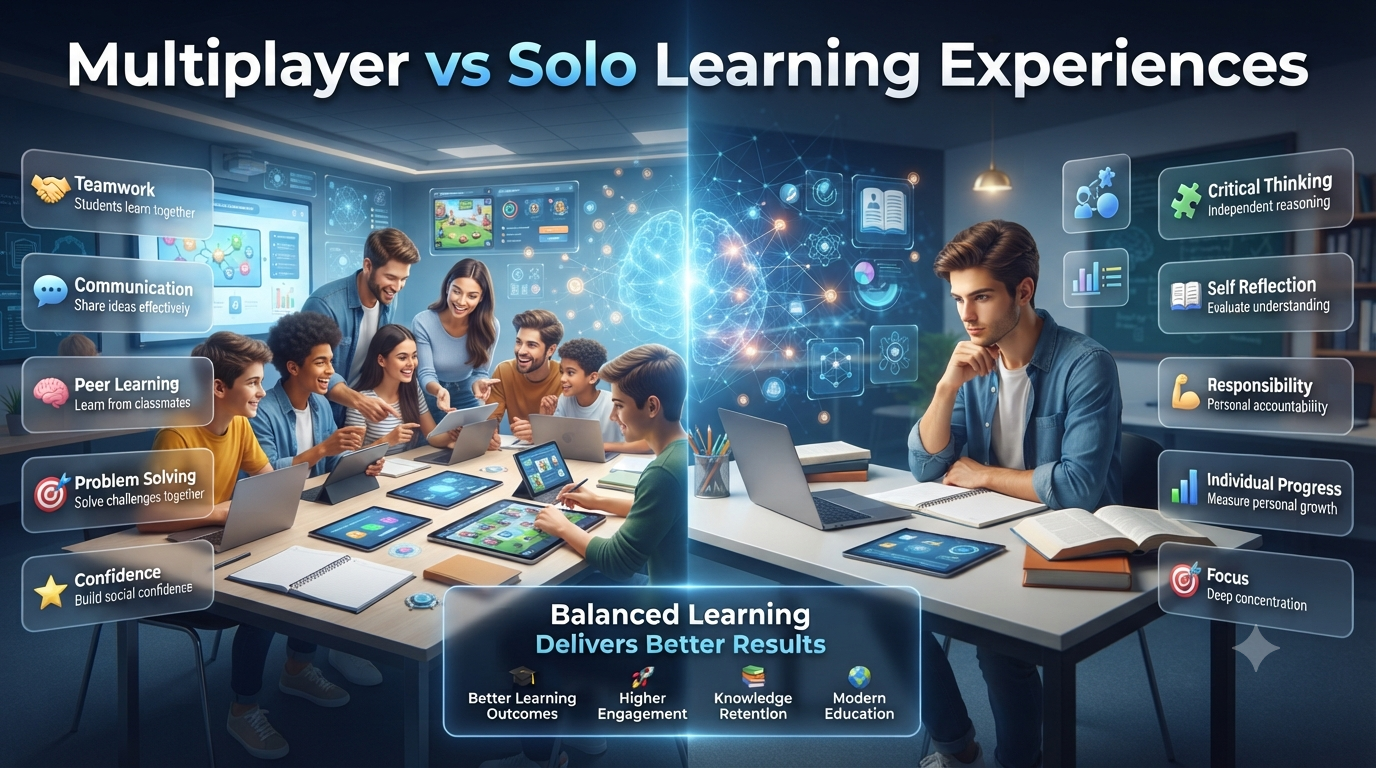
Collaboration is far more than simply placing students into groups. Effective collaborative learning encourages learners to discuss ideas, solve problems together, explain concepts to peers, and develop communication skills that extend well beyond the classroom. Research consistently shows that students retain information more effectively when they actively teach or support one another instead of learning independently.
Digital learning platforms amplify these opportunities by giving every student a chance to contribute simultaneously. Instead of waiting for one learner to answer while others observe, collaborative games keep every participant actively involved. This continuous participation increases attention, reduces passive learning, and creates a classroom environment where students feel responsible for both their own success and that of their teammates.
Another important benefit is confidence building. Students who may hesitate to answer publicly often become more comfortable contributing within small teams. Working alongside classmates allows them to test ideas, receive immediate feedback, and gradually develop stronger academic confidence without the pressure of individual performance dominating every activity.
What Makes Digital Collaboration Effective?
Not every multiplayer classroom game truly supports collaboration. Some platforms simply place students into teams while still rewarding individual performance. Genuine collaboration requires shared decision-making, communication, and collective responsibility for success.
Several characteristics distinguish effective collaborative learning platforms:
Shared team objectives instead of purely individual rankings.
Equal participation opportunities.
Real-time communication and discussion.
Cooperative problem-solving.
Immediate feedback.
Teacher monitoring and intervention.
Flexible grouping options.
Balanced competition that encourages teamwork rather than discouraging weaker learners.
When these elements work together, students become active contributors instead of passive participants.
Core Gimkit Features That Increase Student Collaboration
Gimkit includes several features that naturally encourage cooperative learning. Rather than relying on one collaboration tool, it combines multiple mechanics that promote teamwork throughout different classroom activities.
Feature
Collaboration Benefit
Teacher Advantage
Team Mode
Shared scoring
Encourages cooperation
KitCollab
Students create questions
Increases ownership
Live Game Modes
Group interaction
Real-time engagement
Teacher Dashboard
Progress monitoring
Supports intervention
Class Assignments
Flexible participation
Differentiated instruction
Shared Objectives
Common goals
Builds classroom community
Instant Feedback
Group reflection
Improves learning discussions
Each feature supports collaboration differently depending on lesson objectives and classroom dynamics.
Team Mode Creates Shared Responsibility
One of the strongest collaboration features is Team Mode. Instead of competing entirely as individuals, students work together toward a shared score. Every correct answer contributes to the team’s overall progress, encouraging learners to help one another rather than focusing solely on personal achievement.
This shared responsibility changes classroom behavior in meaningful ways. Stronger students often begin explaining concepts to classmates because helping teammates ultimately benefits everyone. Meanwhile, less confident learners become more willing to participate since they know they have support from their peers.
Teachers frequently notice richer academic discussions during Team Mode because students naturally debate answers, explain reasoning, and justify their thinking before responding. These conversations strengthen conceptual understanding while making review sessions significantly more engaging.
Collaborative Game Modes Encourage Communication
Several Gimkit game modes naturally require students to interact more frequently than traditional quiz platforms. Depending on the chosen mode, learners may coordinate strategies, divide responsibilities, or collectively decide how to maximize their team’s performance.
Instead of focusing exclusively on speed, collaborative modes reward thoughtful decision-making. Students often discuss which upgrades to purchase, how to manage in-game resources, or which strategy best supports their team objective. These decisions transform simple quiz questions into opportunities for communication, planning, and shared critical thinking.
Because collaboration becomes part of gameplay itself, students remain engaged without feeling that teamwork has been artificially imposed by the teacher.
KitCollab: Students Become Content Creators
One of Gimkit’s most distinctive collaboration features is KitCollab, which shifts students from being passive participants to active contributors. Instead of answering only teacher-written questions, students help build the quiz itself by submitting their own questions before gameplay begins. The teacher reviews, approves, edits, or rejects submissions, ensuring that classroom accuracy remains high while still giving learners ownership of the learning experience.
This process creates a very different classroom dynamic. Students must think carefully about the lesson, identify important concepts, and write questions that classmates can realistically answer. Creating quality questions requires deeper cognitive processing than simply selecting multiple-choice answers because learners must analyze content, anticipate misconceptions, and determine which information is most valuable to assess.
KitCollab also encourages peer learning long before the actual game starts. Students become curious about what kinds of questions their classmates have written, which naturally increases classroom discussion and review. During gameplay, many students recognize questions created by their peers, making the activity feel more personal and collaborative than traditional review sessions.
Practical Classroom Example
Imagine a biology class studying ecosystems. Instead of preparing every review question, the teacher asks each student to contribute two questions through KitCollab.
The resulting activity includes:
Food chain relationships
Predator-prey interactions
Biodiversity
Environmental changes
Energy transfer
Habitat identification
Because every learner contributes unique ideas, the final review covers a wider range of perspectives while reinforcing key concepts from multiple angles.
Teacher Dashboard Supports Better Team Collaboration
Effective collaboration requires active facilitation, not simply grouping students together. Gimkit’s teacher dashboard provides real-time visibility into classroom progress, allowing instructors to monitor engagement, identify struggling learners, and adjust instruction while the activity is still underway.
Instead of waiting until the lesson ends, teachers can observe which teams are progressing steadily, which students appear disengaged, and where misconceptions are emerging. This immediate insight enables timely intervention without interrupting the overall flow of the game.
The dashboard also helps teachers evaluate collaboration quality rather than focusing only on final scores. If one team consistently dominates while another struggles, instructors can reorganize groups, provide hints, or encourage stronger peer support before frustration develops.
How Teachers Use Dashboard Data
Dashboard Information
Classroom Decision
Team performance
Adjust group balance
Individual participation
Encourage quieter students
Question accuracy
Review misunderstood topics
Response trends
Identify learning gaps
Live rankings
Maintain motivation without overemphasizing competition
Session reports
Plan future collaborative lessons
This combination of live monitoring and post-game analytics helps teachers continuously improve collaborative classroom experiences.
Live Gameplay Encourages Real-Time Discussion
Unlike independent homework platforms, Gimkit’s live sessions create opportunities for spontaneous academic conversations. Students naturally discuss answers, debate possible solutions, and explain reasoning while working toward shared objectives.
These conversations often become the most valuable part of the lesson. Rather than memorizing facts, learners practice defending ideas, listening to alternative viewpoints, and correcting misunderstandings together. This mirrors collaborative problem-solving found in higher education and professional workplaces.
Teachers can further strengthen these interactions by briefly pausing gameplay after challenging questions. Short discussions allow teams to explain why certain answers were correct, helping students connect game performance with genuine conceptual understanding instead of treating the activity as entertainment alone.
Shared Goals Build Stronger Classroom Communities
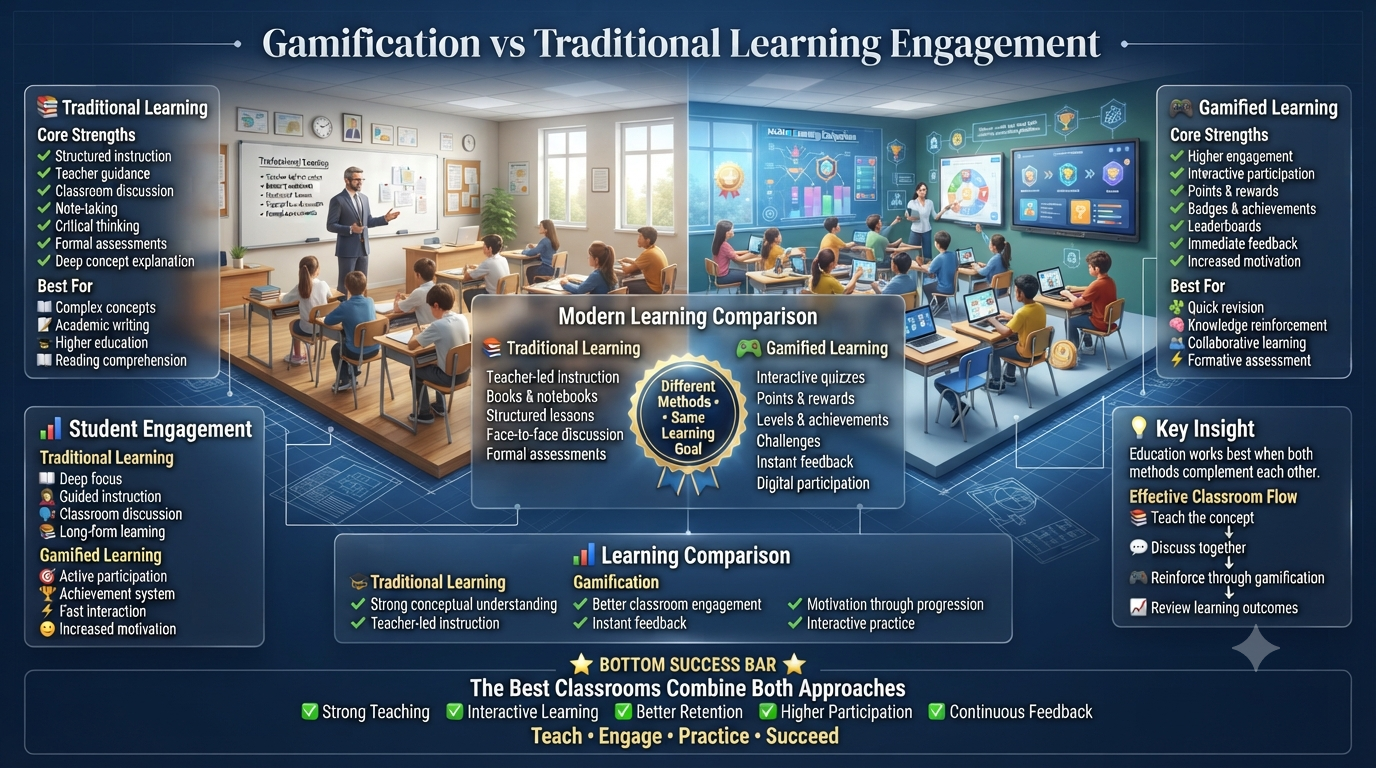
Competition certainly motivates many students, but constant individual competition can sometimes discourage learners who struggle academically. Collaborative objectives help balance motivation by emphasizing collective achievement instead of personal rankings.
When teams celebrate shared success, students begin encouraging classmates rather than viewing them as opponents. High-performing learners often mentor peers because helping others directly benefits the team’s progress. This supportive environment contributes to stronger classroom relationships while reducing anxiety for students who may otherwise hesitate to participate.
Teachers frequently report that collaborative game sessions improve classroom culture beyond the game itself. Students become more willing to ask questions, share ideas, and support classmates during regular lessons because teamwork has become part of the classroom routine.
Professional Insight
The most successful collaborative classrooms do not rely on technology alone. Gimkit provides the tools, but meaningful collaboration comes from thoughtful teacher facilitation, balanced team formation, clear learning objectives, and regular opportunities for reflection. When these elements work together, collaborative features become powerful instructional strategies rather than simple game mechanics.
Homework Features That Extend Collaboration Beyond the Classroom
Although homework is often viewed as an individual activity, teachers can use Gimkit assignments to continue collaborative learning after class. Rather than assigning isolated practice, instructors can organize students into study groups that discuss difficult concepts before completing their individual homework. The assignment remains independently completed, but the preparation becomes collaborative, encouraging students to explain ideas, compare approaches, and support one another outside normal classroom hours.
A common strategy is to divide a class into small review teams before assigning homework. Each group spends a few minutes discussing the lesson, identifying challenging topics, and predicting which concepts are most likely to appear in the assignment. By the time students begin working independently, they already have a stronger understanding of the material through peer discussion.
Teachers can also combine homework with the next day’s classroom activities. Students complete their assignments individually, then return to class ready to explain difficult questions, compare reasoning, and solve misconceptions together. This creates a continuous learning cycle where collaboration supports both preparation and review instead of being limited to live gameplay.
Using Collaboration for Different Learning Styles
Every classroom includes students who learn differently. Some understand concepts best through discussion, others through visual examples, while many prefer independent reflection before sharing ideas. Collaborative features become more effective when teachers intentionally design activities that accommodate these different learning preferences instead of expecting every student to contribute in exactly the same way.
For verbal learners, team discussions encourage explanation and reasoning. Visual learners benefit from teachers displaying questions, diagrams, or problem-solving steps before teams respond together. Analytical learners often enjoy debating answer choices and identifying why incorrect options are wrong, while quieter students may contribute by researching information or checking answers before speaking. A balanced collaborative environment allows every learner to participate according to their strengths while gradually building confidence in new communication skills.
Differentiation also becomes easier because teachers can assign mixed-ability groups where experienced students provide guidance without dominating the conversation. When every team member has a meaningful role, collaboration feels productive rather than competitive.
Comparing Gimkit Collaboration With Other Learning Platforms
Teachers often evaluate several educational platforms before choosing one for collaborative classroom activities. While each platform supports engagement, their approaches to teamwork differ significantly.
Platform
Collaboration Strength
Best For
Limitation
Gimkit
Team objectives, KitCollab, cooperative game modes
Long-form engagement and collaboration
Requires thoughtful game selection
Kahoot
Shared excitement during live quizzes
Fast classroom review
Less emphasis on sustained teamwork
Quizizz
Self-paced participation with classroom reports
Independent practice
Collaboration features are more limited
Blooket
Game variety and motivation
Casual review sessions
Teamwork depends on selected game mode
Nearpod
Interactive lessons and discussions
Teacher-guided instruction
Less game-focused collaboration
Google Classroom
Assignment sharing and communication
Classroom management
Not designed as a collaborative game platform
The biggest advantage of Gimkit is that collaboration is integrated into gameplay rather than added as an optional feature. Students are encouraged to communicate, make strategic decisions, and contribute to shared success throughout the learning experience.
Best Practices for Teachers
Simply enabling collaborative features does not guarantee meaningful teamwork. Teachers achieve the strongest results when collaboration is intentionally planned around lesson objectives rather than treated as entertainment.
A successful workflow usually begins with clearly explaining the academic goal before launching the game. Students should understand that discussion, reasoning, and peer support are expected parts of the activity—not distractions. During gameplay, teachers can circulate through the classroom, ask guiding questions, and encourage teams to explain their thinking instead of immediately revealing answers.
After the session, reflection is equally important. Discussing difficult questions, reviewing common mistakes, and inviting teams to share successful strategies helps students connect the game to deeper learning outcomes.
Collaboration Success Checklist
Before starting a collaborative Gimkit lesson, make sure you have:
✅ Mixed student abilities across teams.
✅ Clear academic objectives.
✅ Appropriate game mode selected.
✅ Time for discussion before and after gameplay.
✅ Teacher monitoring throughout the activity.
✅ Reflection questions after the session.
✅ Opportunities for every student to participate.
✅ Constructive feedback instead of focusing only on rankings.
Following these practices consistently helps transform collaborative games into meaningful instructional experiences rather than short-term classroom entertainment.
Common Mistakes That Reduce Student Collaboration
Collaborative learning is most effective when every student has an active role. One of the biggest mistakes teachers make is assuming that simply placing students into teams automatically creates collaboration. In reality, some learners may dominate discussions while others remain silent unless the activity is carefully structured. Teachers should establish expectations for equal participation and regularly rotate responsibilities so every student contributes.
Another common issue is prioritizing competition over learning. If students become overly focused on winning, they may rush through questions without discussing concepts or helping teammates understand the material. Collaborative sessions should reward thoughtful communication, shared decision-making, and problem-solving rather than only recognizing the highest score.
Teachers should also avoid using the same collaborative format repeatedly. While Team Mode can be highly engaging, students benefit from variety. Rotating between KitCollab, cooperative game modes, class discussions, and independent reflection keeps collaboration fresh and encourages different types of participation.
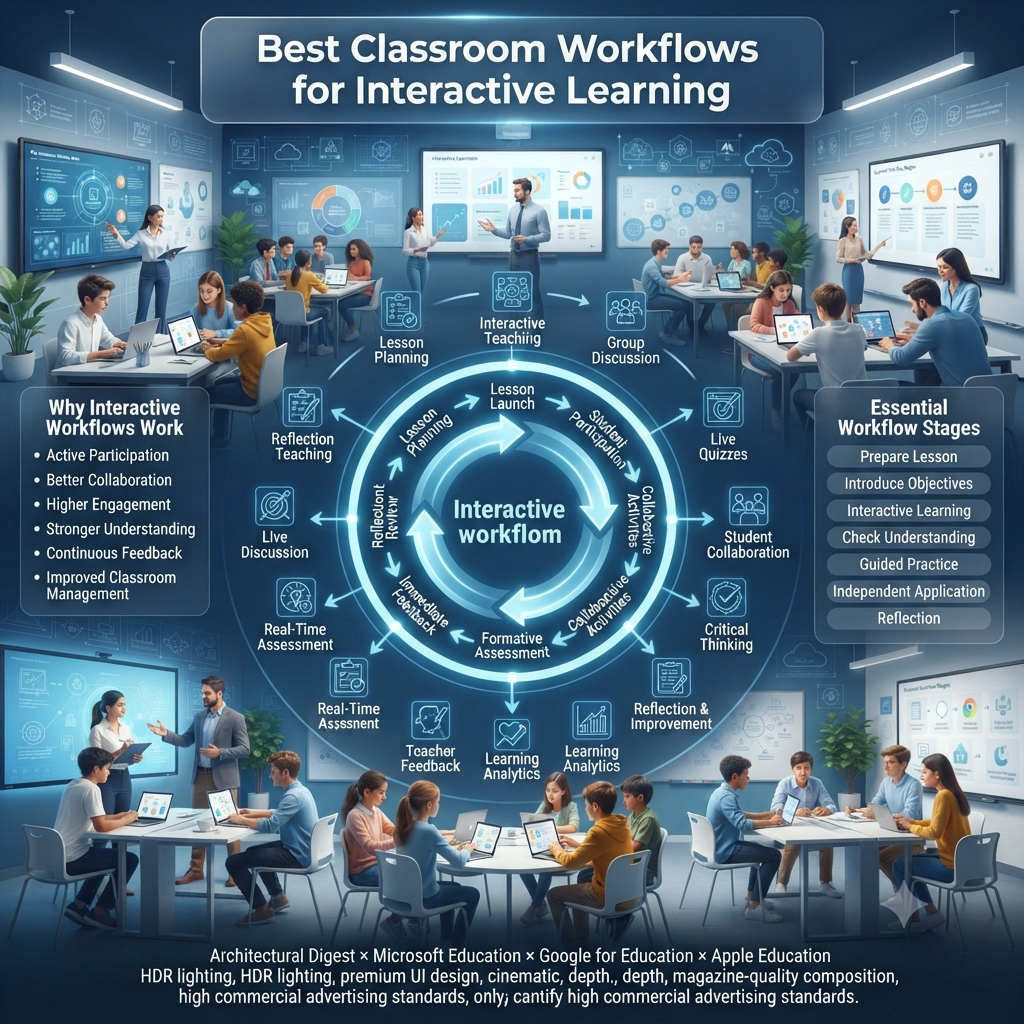
Professional Workflow for Collaborative Gimkit Lessons
Experienced educators often follow a structured workflow that turns collaborative gameplay into a complete instructional cycle instead of an isolated classroom activity.
Phase 1: Preparation
Before launching the game, define the lesson objective and determine what students should know by the end of the activity. Organize balanced teams, explain expectations, and review any concepts that may require additional support.
Phase 2: Active Collaboration
During gameplay, encourage students to discuss answers, explain reasoning, and solve problems together. Monitor participation through the teacher dashboard and provide guidance when groups encounter misconceptions or communication challenges.
Phase 3: Reflection
After the game ends, analyze performance reports and invite teams to discuss difficult questions. Reflection helps students understand why certain answers were correct and encourages them to improve future collaboration.
Phase 4: Follow-Up Learning
Use the data collected during the session to plan review activities, assign targeted homework, or create future KitCollab questions that address remaining knowledge gaps. This continuous cycle reinforces learning while strengthening teamwork over time.
Pros and Cons of Gimkit’s Collaborative Features
Pros
Cons
Encourages teamwork and communication
Some game modes emphasize competition more than collaboration
Supports peer teaching and knowledge sharing
Requires teacher planning for balanced participation
KitCollab increases student ownership
Question quality depends on teacher review
Live dashboard helps monitor engagement
Internet connectivity affects live sessions
Multiple collaborative game modes provide variety
Large classes may require additional classroom management
Keeps students actively involved throughout lessons
New users may need time to learn different game mechanics
The strengths generally outweigh the limitations when teachers intentionally design lessons around learning objectives rather than gameplay alone.
Expert Recommendation
For teachers looking to maximize student collaboration, the most effective strategy is to combine multiple Gimkit features within a single instructional unit instead of relying on one activity. Begin with KitCollab so students contribute review questions, transition into Team Mode for collaborative practice, use the teacher dashboard to identify learning gaps during gameplay, and conclude with a guided reflection where teams explain their thinking.
This sequence creates a complete learning experience:
Lesson Introduction
        │
        ▼
Student Question Creation (KitCollab)
        │
        ▼
Collaborative Team Gameplay
        │
        ▼
Teacher Monitoring & Feedback
        │
        ▼
Class Discussion
        │
        ▼
Homework or Follow-up Review
By combining content creation, teamwork, real-time feedback, and reflection, teachers address multiple learning styles while building stronger communication, critical thinking, and classroom engagement.
Frequently Asked Questions
What Role Does the Teacher Play During Collaborative Gameplay?
During collaborative gameplay, the teacher’s role shifts from instructor to learning facilitator. Rather than focusing on who is winning, effective teachers observe how students communicate, solve problems, divide responsibilities, and support one another under real classroom conditions. These interactions provide valuable formative assessment that traditional quizzes often fail to capture.
The most successful approach is to pause gameplay at key moments and ask teams to explain their thinking instead of simply reviewing answers. This encourages students to justify decisions, reflect on misconceptions, and refine their strategies together. Expert Tip: Measure collaboration by the quality of discussion, not by the final leaderboard. Strong conversations often indicate deeper learning than high scores alone.
How Should Teachers Organize Teams?
Effective teams are intentionally designed, not randomly assigned. Instead of grouping students only by academic ability, balance each team with different strengths such as leadership, communication, creativity, and subject knowledge. This prevents one student from carrying the group while giving every member a meaningful role during gameplay.
To keep collaboration authentic, rotate teams regularly and assign clear responsibilities such as strategist, recorder, communicator, or reviewer. Rotating these roles ensures every student develops multiple collaboration skills throughout the semester rather than becoming permanently known as the “smart student” or “team leader.”
Team Element
Best Practice
Group Size
3–4 students
Ability Mix
Balanced
Roles
Rotate every activity
Team Rotation
Every few weeks
Is Gimkit Suitable for Group Projects?
Yes, but Gimkit should enhance a project rather than become the project itself. Teachers can use it at different stages of project-based learning, including topic introductions, research checkpoints, vocabulary review, and formative assessments before final presentations. This keeps students engaged throughout the project instead of using quizzes only at the end.
For example, during a science investigation, teams can complete research, build a Kit from their findings, and use Gimkit to review one another’s understanding before presenting conclusions. This transforms assessment into an active learning experience while strengthening collaboration and content mastery simultaneously.
Can Collaboration Improve Academic Performance?
Collaboration improves academic performance when students are expected to think together rather than simply divide the workload. Explaining concepts to classmates, defending answers, and resolving disagreements require learners to process information more deeply than individual memorization. These discussions strengthen conceptual understanding while exposing misconceptions that teachers can address immediately.
However, collaboration only succeeds when every student remains accountable. Combining team-based activities with individual reflection or follow-up assessments ensures that all learners contribute meaningfully instead of relying on stronger classmates to complete the work.
Which Gimkit Feature Promotes the Most Student Collaboration?
Among Gimkit’s built-in features, KitCollab provides the strongest foundation for meaningful collaboration because students contribute to the learning experience before gameplay even begins. Instead of answering teacher-created questions alone, learners work together to develop review content, requiring them to identify important concepts, write accurate questions, and think from both the learner’s and teacher’s perspective.
This collaborative preparation transforms review into an active learning process. By evaluating which student-generated questions best represent the lesson, teachers encourage higher-order thinking while maintaining curriculum quality and academic accuracy.
What Are the Absolute Best Built-In Game Modes for Maximizing Team Collaboration?
The strongest collaborative game modes are those that reward shared objectives instead of individual performance. Modes requiring students to coordinate movement, manage shared resources, or complete collective challenges naturally generate more discussion and teamwork than traditional competitive quizzes.
Collaboration Goal
Most Effective Mode Characteristic
Team Communication
Shared objectives
Strategic Planning
Cooperative gameplay
Problem Solving
Role-based teamwork
Decision Making
Resource management
Peer Support
Team progression
Expert Recommendation: Select game modes based on the learning objective rather than popularity. A simpler cooperative mode often produces stronger classroom discussions than a visually impressive competitive one.
How Does the KitCollab Feature Foster Collaborative Curriculum Design?
KitCollab allows students to participate in designing classroom review materials while teachers retain full control over curriculum alignment. After completing a lesson, students submit their own questions, encouraging them to identify key concepts, predict likely misconceptions, and think critically about what classmates should remember.
The teacher then reviews, edits, and approves submissions before adding them to the final Kit. This process creates a collaborative learning resource shaped by student thinking while ensuring instructional quality remains consistent. Rather than replacing curriculum planning, KitCollab strengthens it by making students active contributors to the review process.
How Do the Mechanics in 2D Modes Like “Capture the Flag” Force Students to Communicate?
Unlike traditional quiz formats where students work independently, 2D modes require continuous communication because academic success alone is not enough to win. Players must coordinate movement, share information about objectives, adapt strategies, and respond quickly to changing game situations. Without communication, even knowledgeable teams often struggle to achieve their goals.
These mechanics naturally encourage leadership, negotiation, and cooperative decision-making. Teachers can strengthen this benefit by assigning communication roles before gameplay, ensuring every student contributes strategically instead of allowing only the most confident voices to dominate discussions.
How Can I Structure Group Rewards Using Gimkit Analytics to Promote Peer Tutoring?
Instead of rewarding only the highest-scoring teams, use Gimkit analytics to recognize measurable improvement, participation, and collective growth. Celebrating teams that increase their average accuracy or reduce common mistakes encourages stronger students to support classmates because everyone’s progress contributes to the final outcome.
A balanced reward system combines academic achievement with collaborative behaviors such as consistent participation, constructive communication, and peer support. This shifts classroom culture away from individual competition and toward shared responsibility for learning.
Reward Criteria Checklist
Improvement in team accuracy
Consistent participation
Peer mentoring
Reduced repeated errors
Positive collaboration
Can Students Collaborate Asynchronously Outside of School Hours?
Yes, although asynchronous collaboration requires intentional planning. Teachers can assign homework Kits, encourage students to prepare questions for future KitCollab sessions, or ask groups to discuss concepts through approved school communication platforms before completing independent practice. This keeps collaboration active without requiring every student to be online simultaneously.
For long-term projects, asynchronous preparation often improves classroom efficiency because students arrive ready to discuss ideas rather than starting from scratch. The most effective workflow combines independent preparation outside school with structured collaborative activities during class, ensuring that both flexibility and accountability remain part of the learning process.
Conclusion
The most effective collaborative classrooms are built on meaningful interaction rather than technology alone. Gimkit supports this goal by providing features that encourage students to create questions, work toward shared objectives, discuss ideas, and learn from one another in real time. Instead of limiting engagement to individual competition, the platform helps teachers foster communication, critical thinking, and peer-supported learning.
When collaborative features are combined with thoughtful lesson planning, balanced teams, and reflective discussions, they become much more than classroom games. They evolve into instructional strategies that strengthen academic understanding, improve classroom relationships, and prepare students with teamwork skills that extend well beyond school. For educators seeking a more engaging and cooperative learning environment, these collaboration-focused features make Gimkit a valuable addition to modern classroom instruction.